L³AP is an online training management system that provides an integrated platform for training providers, sponsoring organisations, and learners.
The trainer portal is a platform for trainers to view and manage academic information and activities. Trainers can mark attendance and scores for learners, confirm trainer’s attendance, and view survey results as well as course timetables.
For more information on how a trainer can view and manage all kinds of academic information and activities, refer to:
o QR code for marking attendance
Support channels:
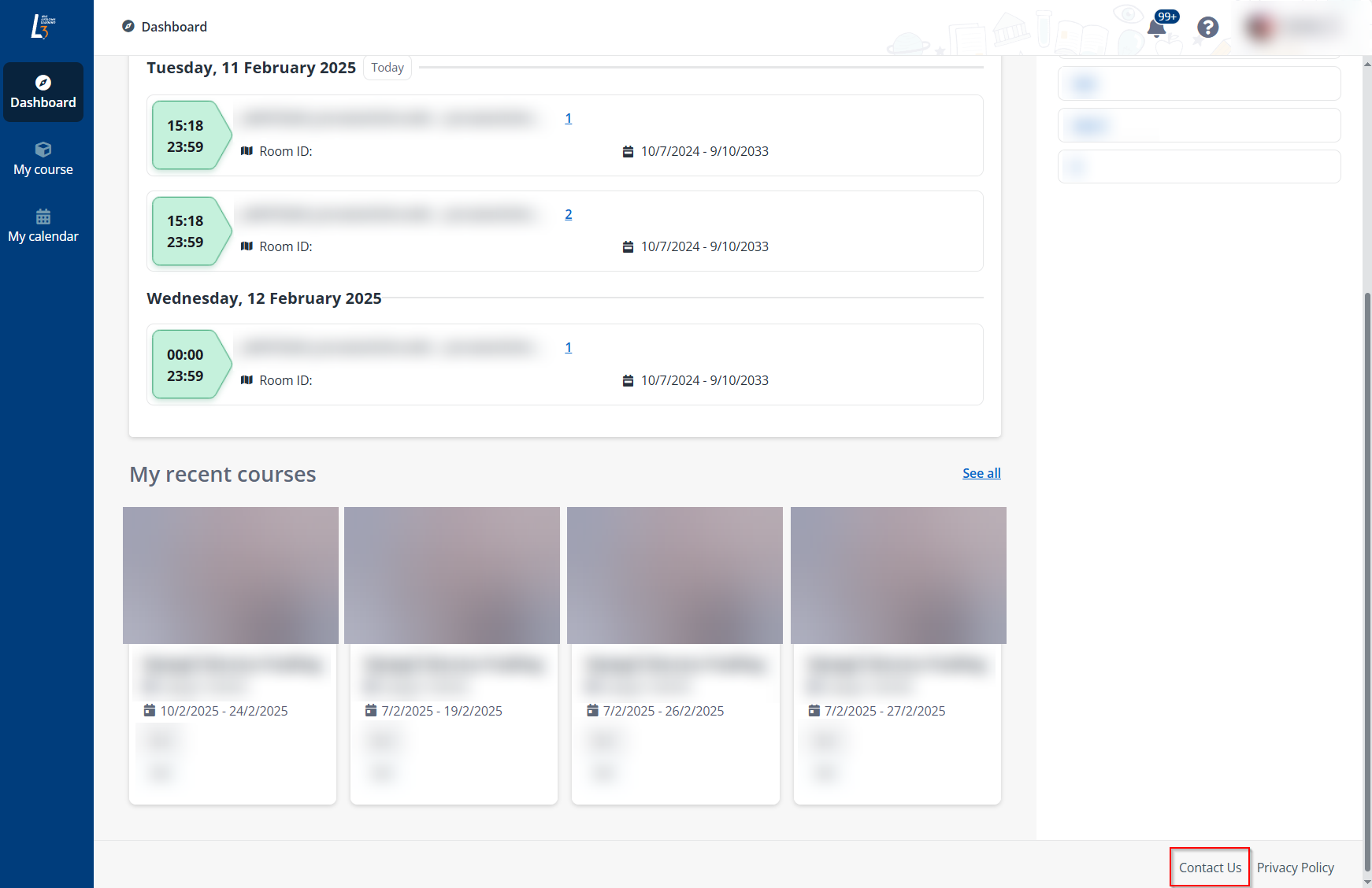
•For further enquiries on courses, contact us by clicking Contact Us at the lower-right corner of each page or email us.
•For technical issues, please contact IT Care.
In this guide, you will find step-by-step instructions on how to use the L³AP trainer portal.
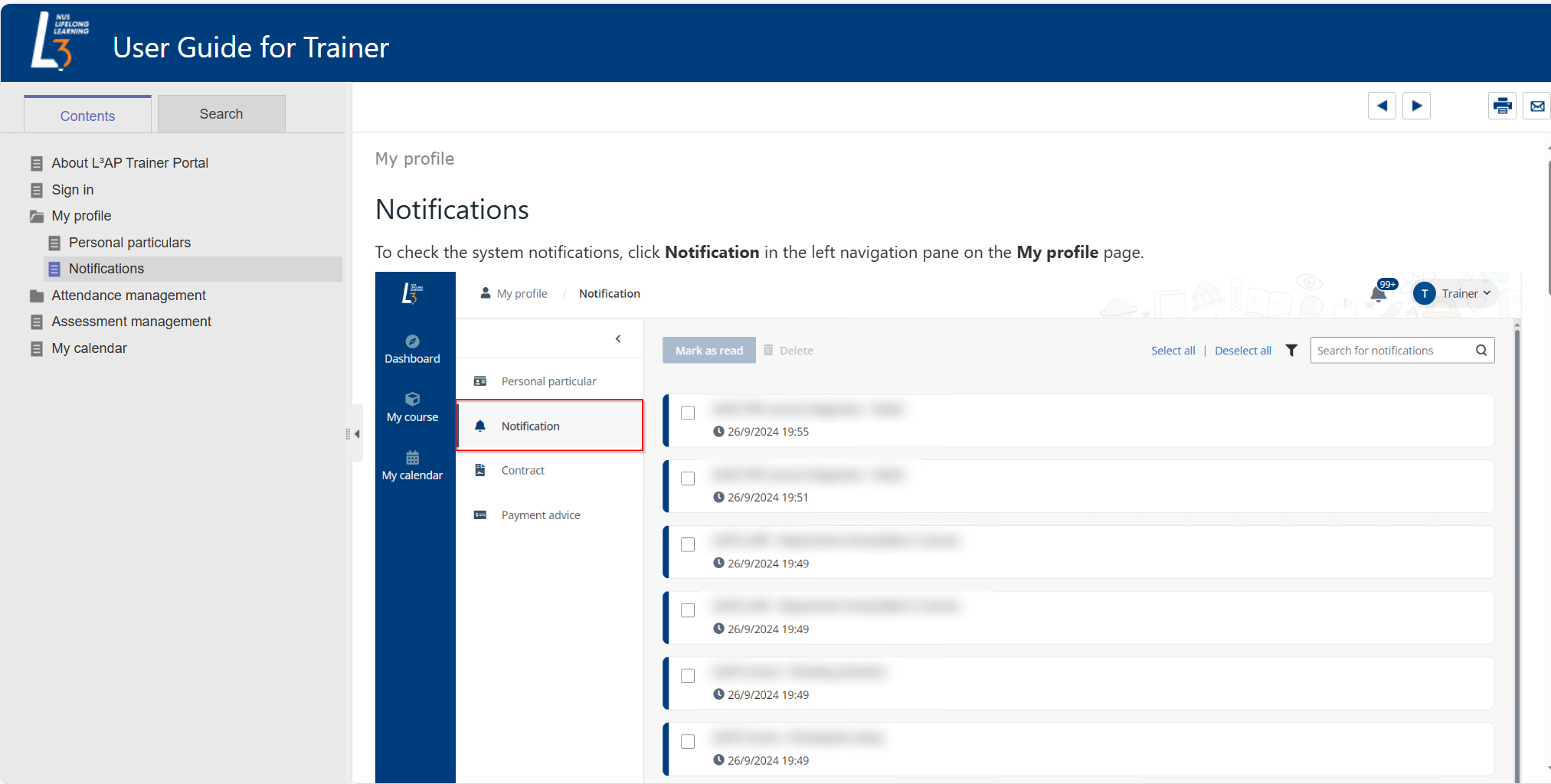
In the left navigation panel, you will find the list of available functions. Click a specific function to learn more about it in the reading panel. Some functions may have subtopics, which can be expanded by clicking to display more information.
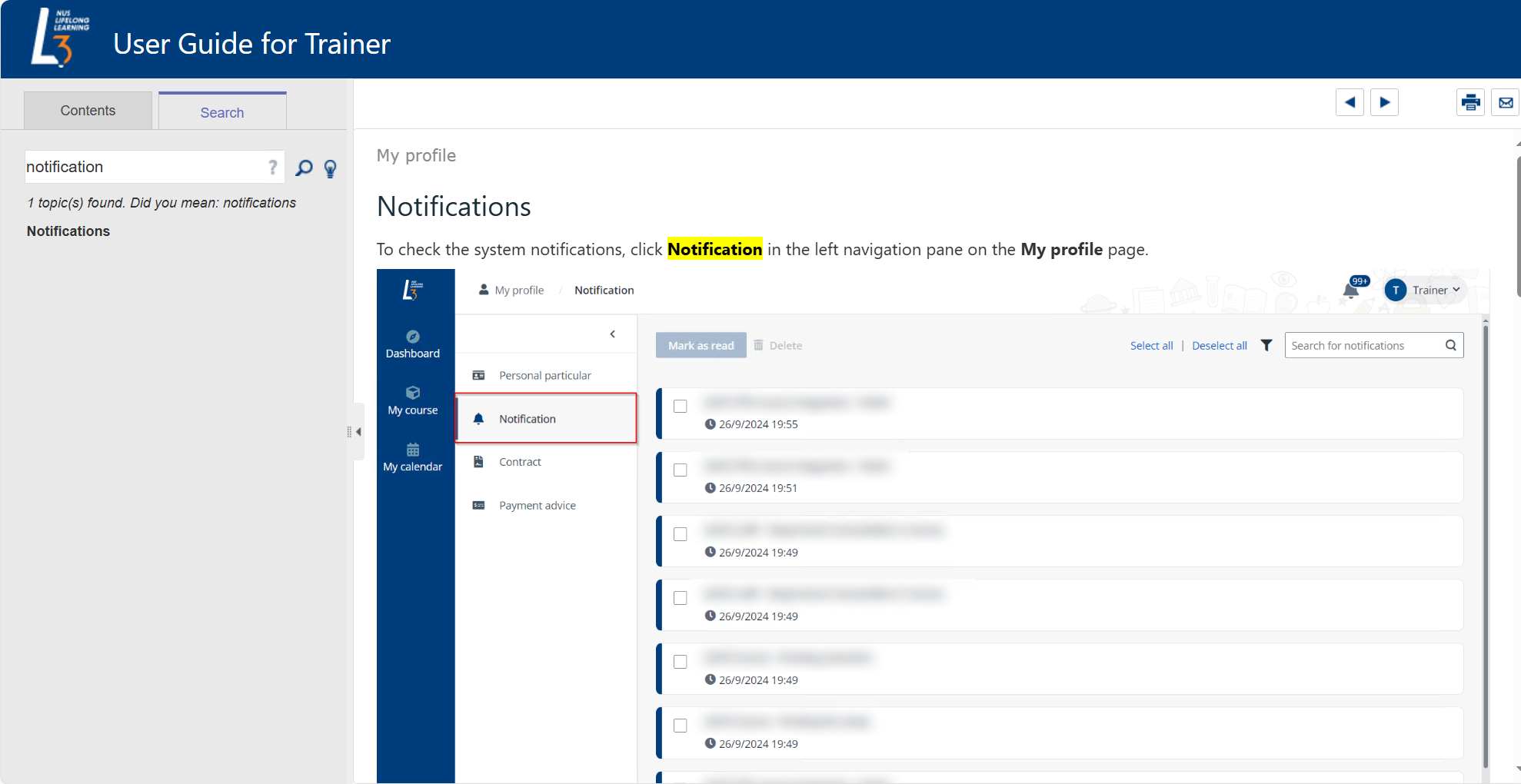
If you cannot find the topic you need, use the search function by entering keywords in the search box. Relevant topics will appear below the search bar, and you can click the topic to view details.
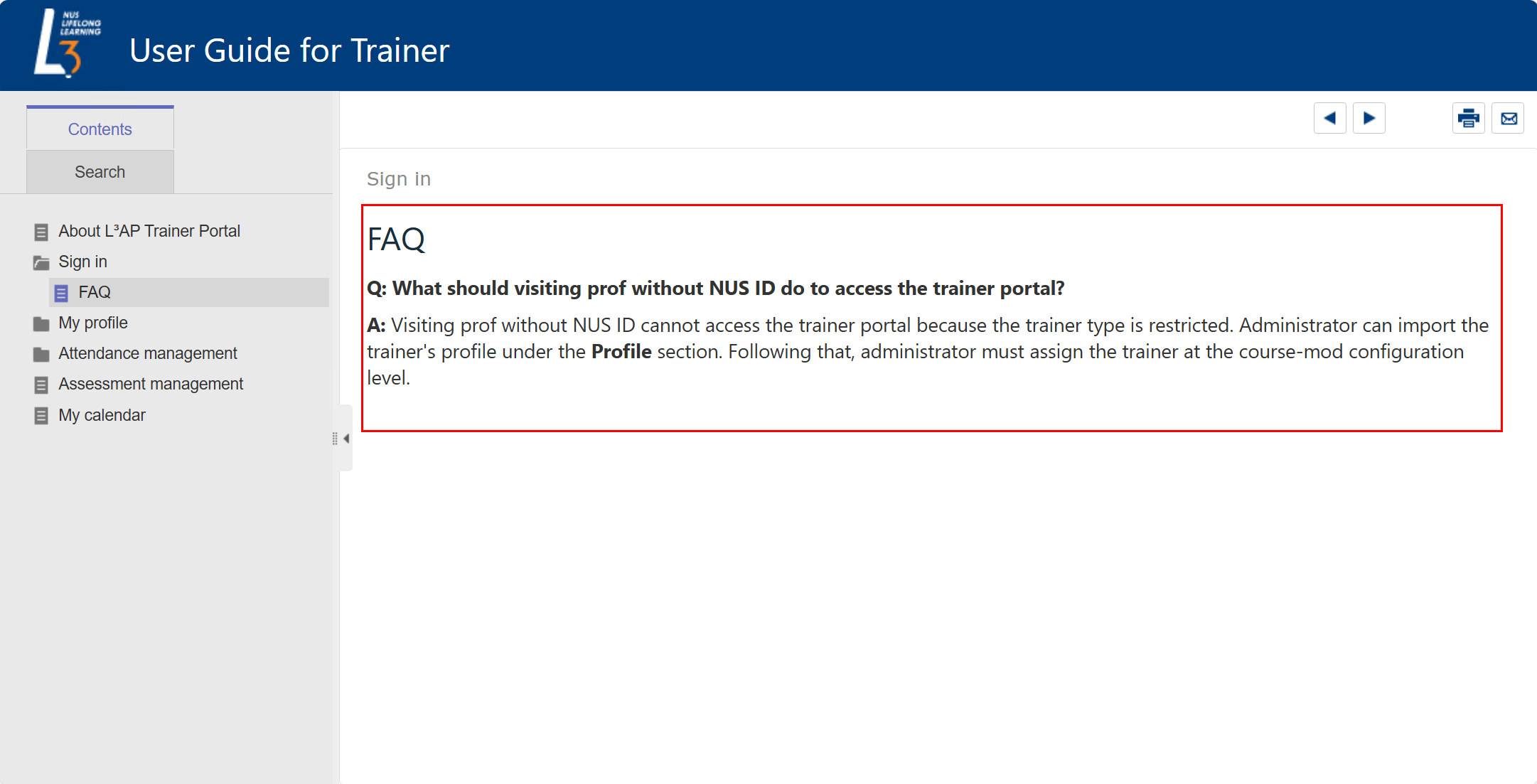
In some of the topics, an FAQ (frequently asked questions) list is included, which includes common questions and their answers.
The following table provides the required browser version. We recommend that you use the most recent versions of the following browsers for the best experience.
|
Browser |
Required version for desktop |
Required version for Android mobile/tablet |
Required version for iOS mobile/tablet |
|
Google Chrome |
The latest 2 major versions |
Not supported |
Not supported |
|
Microsoft Edge |
The latest 2 major versions |
Not supported |
Not supported |
|
Mozilla Firefox |
The latest 2 major versions |
Not supported |
Not supported |
|
Safari |
The latest 2 major versions |
Not supported |
Not supported |