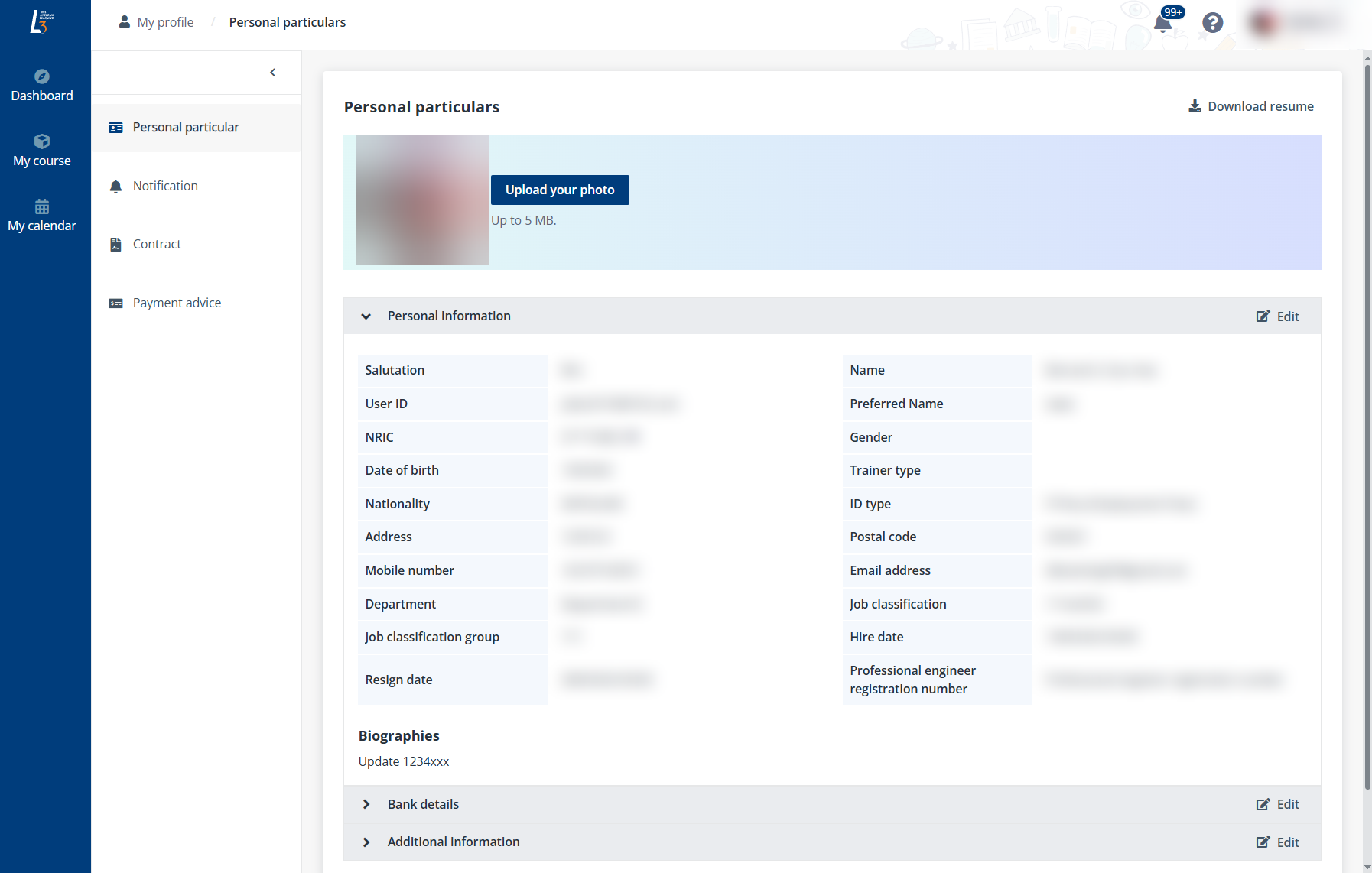
To view and update the trainer’s profile, complete the following steps:
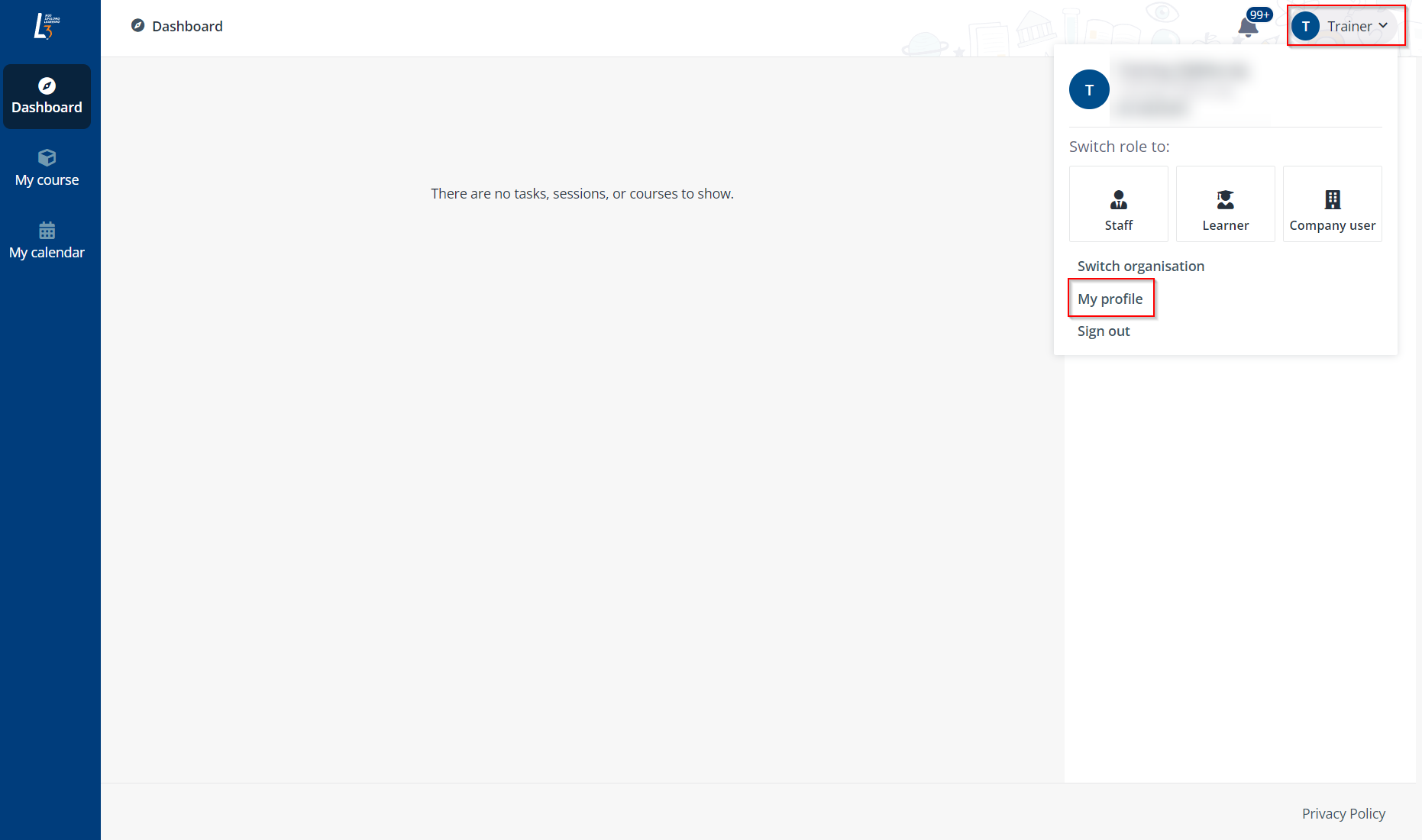
1. Click the photo in the upper-right corner and click My profile.
2. The trainer can view the personal particulars including the following sections: Personal information, Certifications/Qualifications, Teaching experience, Bank details and Additional information.
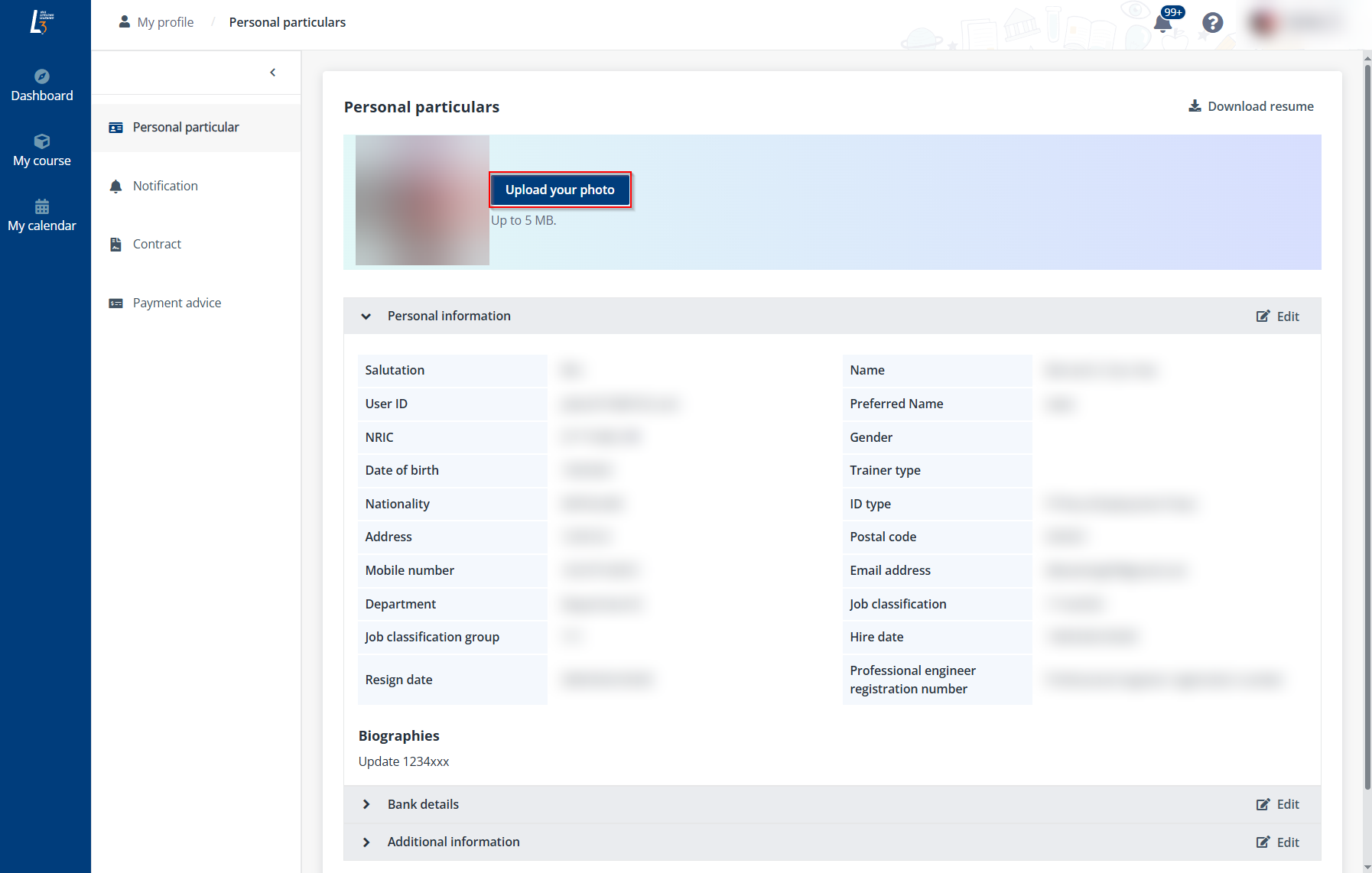
3. To update the photo, click Upload your photo and select a photo from the local device.
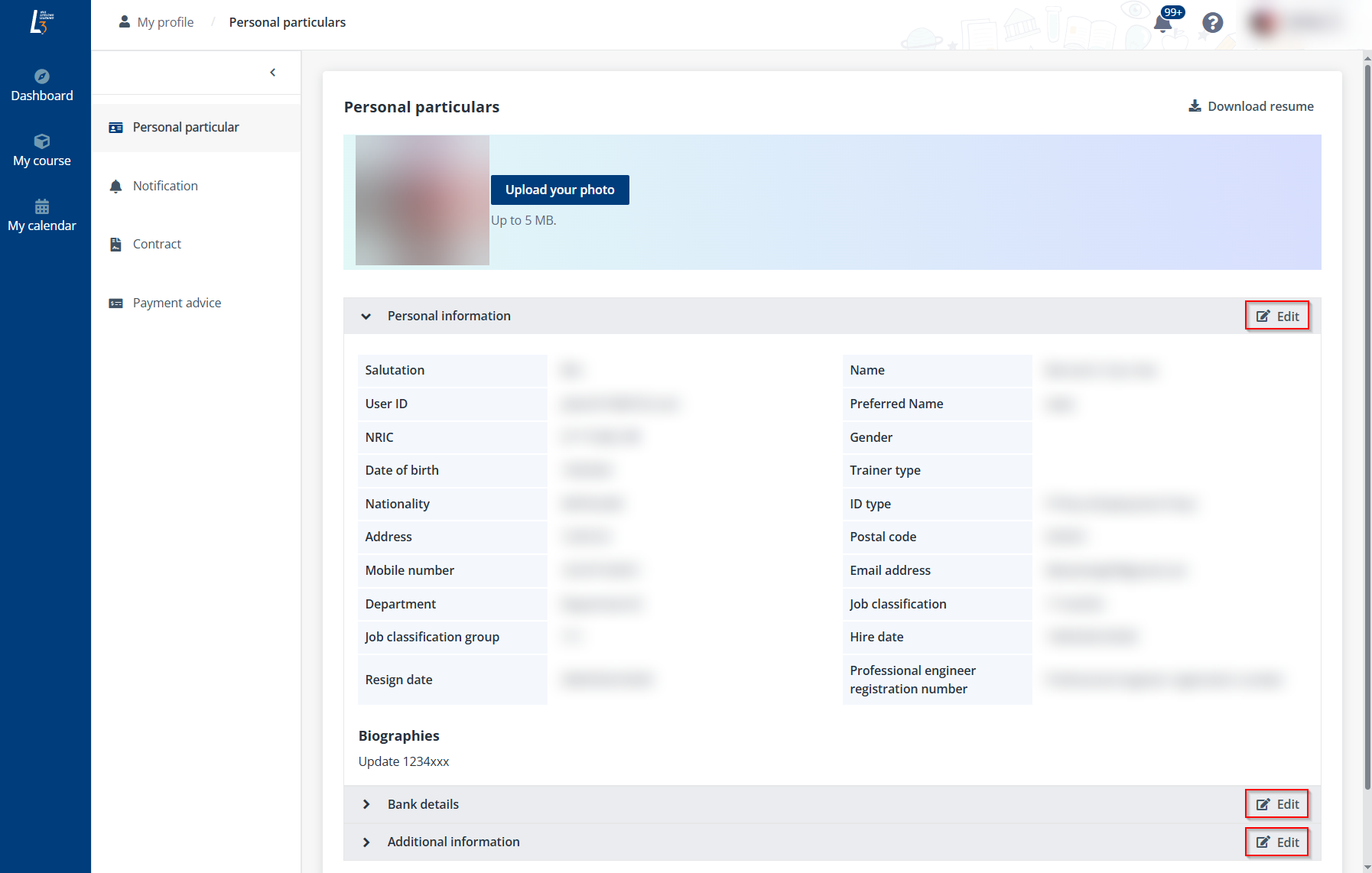
4. Locate the section that the trainer wants to update, click Edit, and then complete the configurations for personal particulars.
5. When finishing updating the personal particulars, click Save.
*Note: If the trainer wants to download the resume, click Download resume in the upper-right of the page.