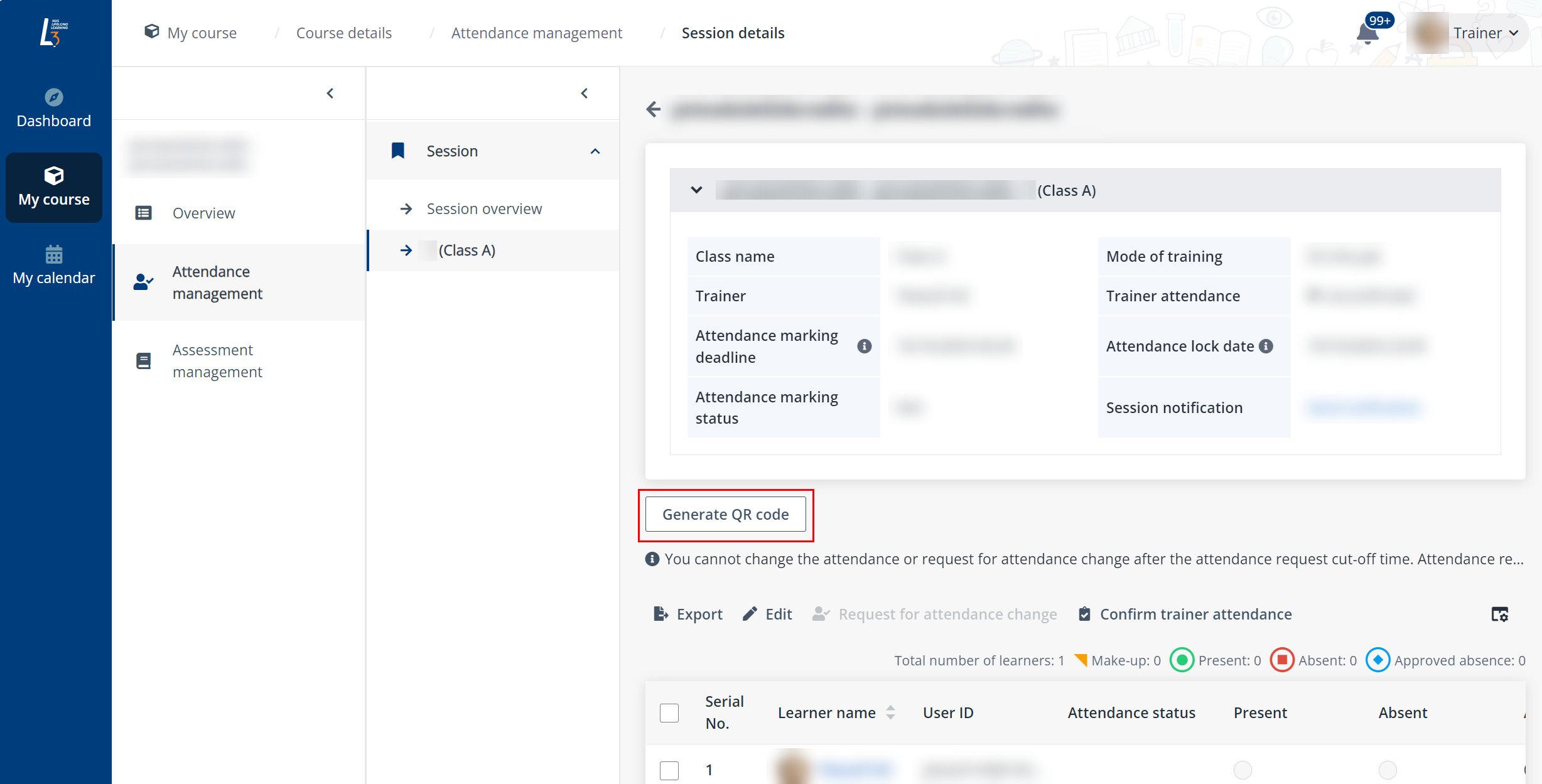
A session will start and a QR code can be generated for taking attendance. After the QR code has been generated, learners can check in for their session via the generated QR code.
To generate a QR code for learners to mark attendance by themselves, complete the following steps:
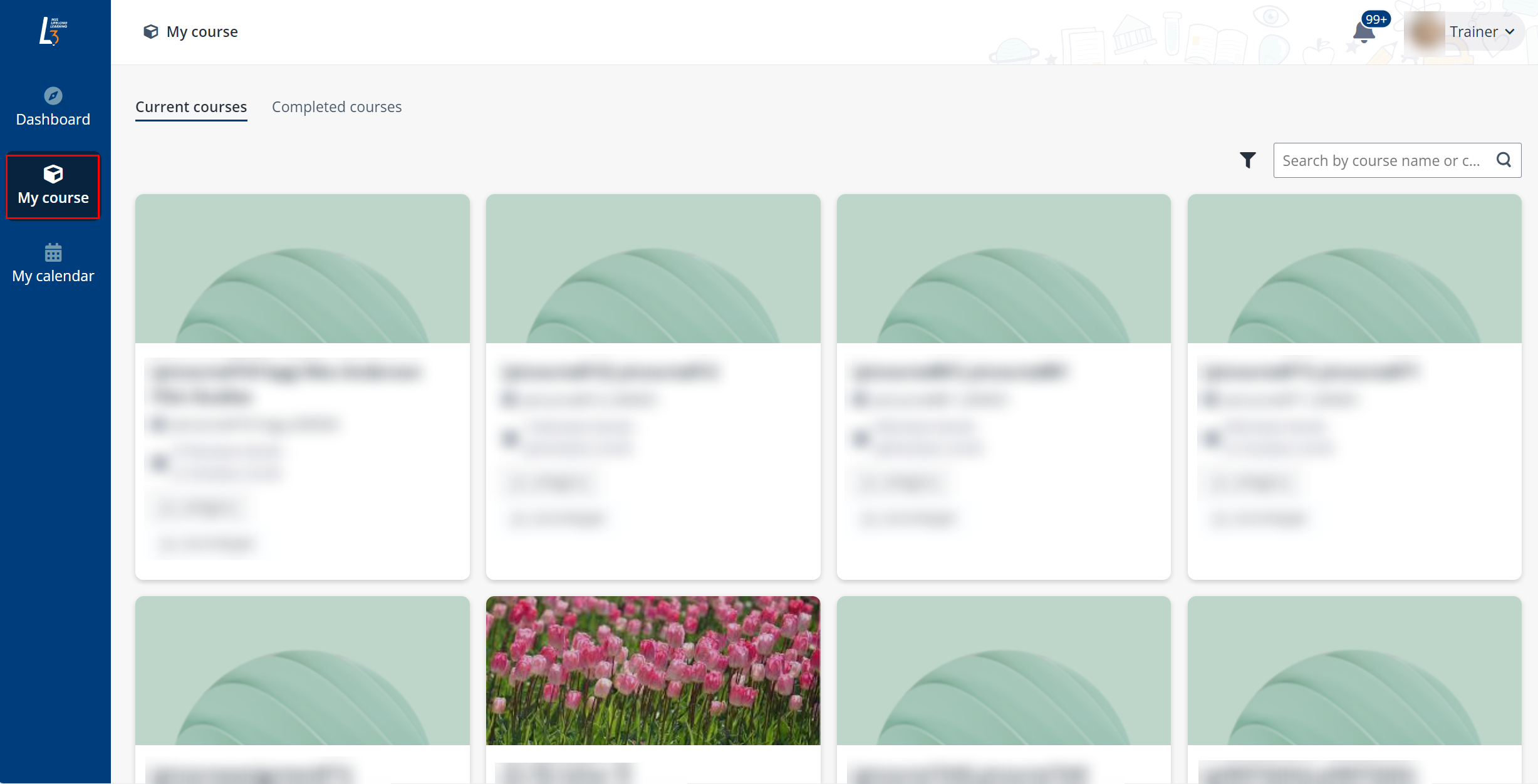
1. Click My course on the left navigation pane.
2. Find the course, click the course card, and then click the course-mod name.
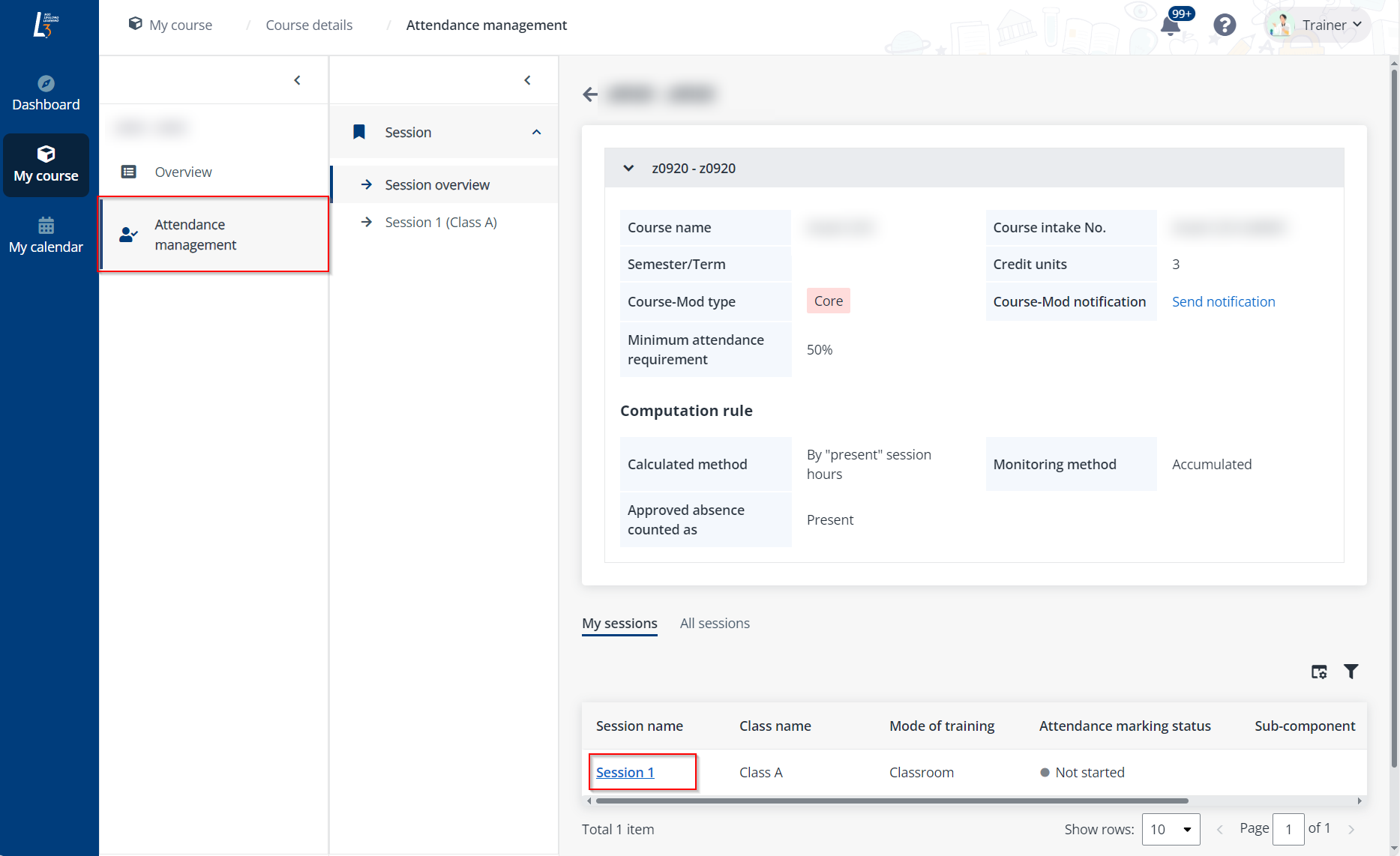
3. Click Attendance management in the left navigation, and then click the name of a session. The trainer can view the session details and all learners in the session.
4. Click Generate QR code above the learner list. The learners now can use their mobile devices to scan this QR to check in for the session.