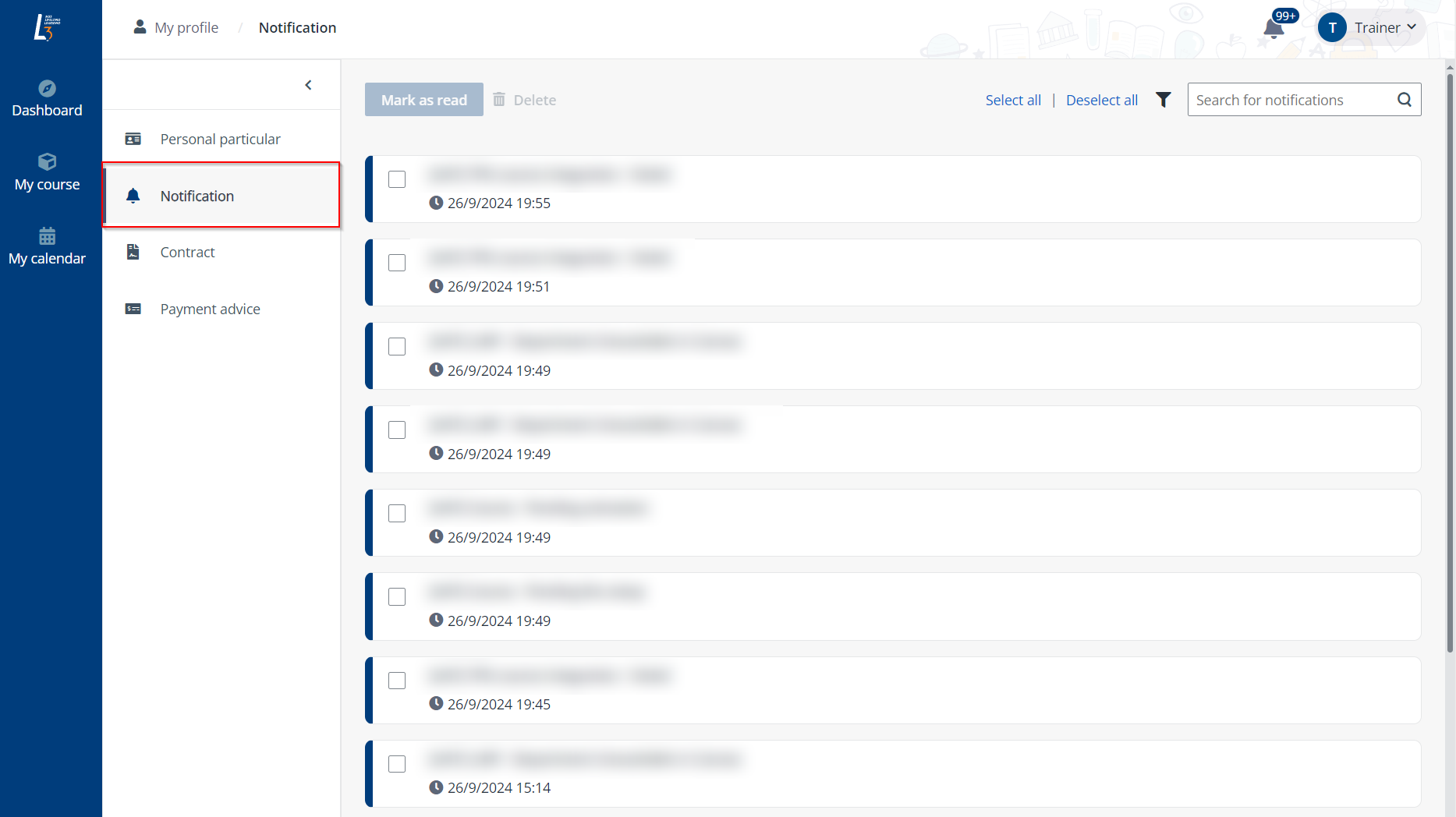
To check the system notifications, click Notification in the left navigation pane on the My profile page.
On this page, trainers can perform the following operations:
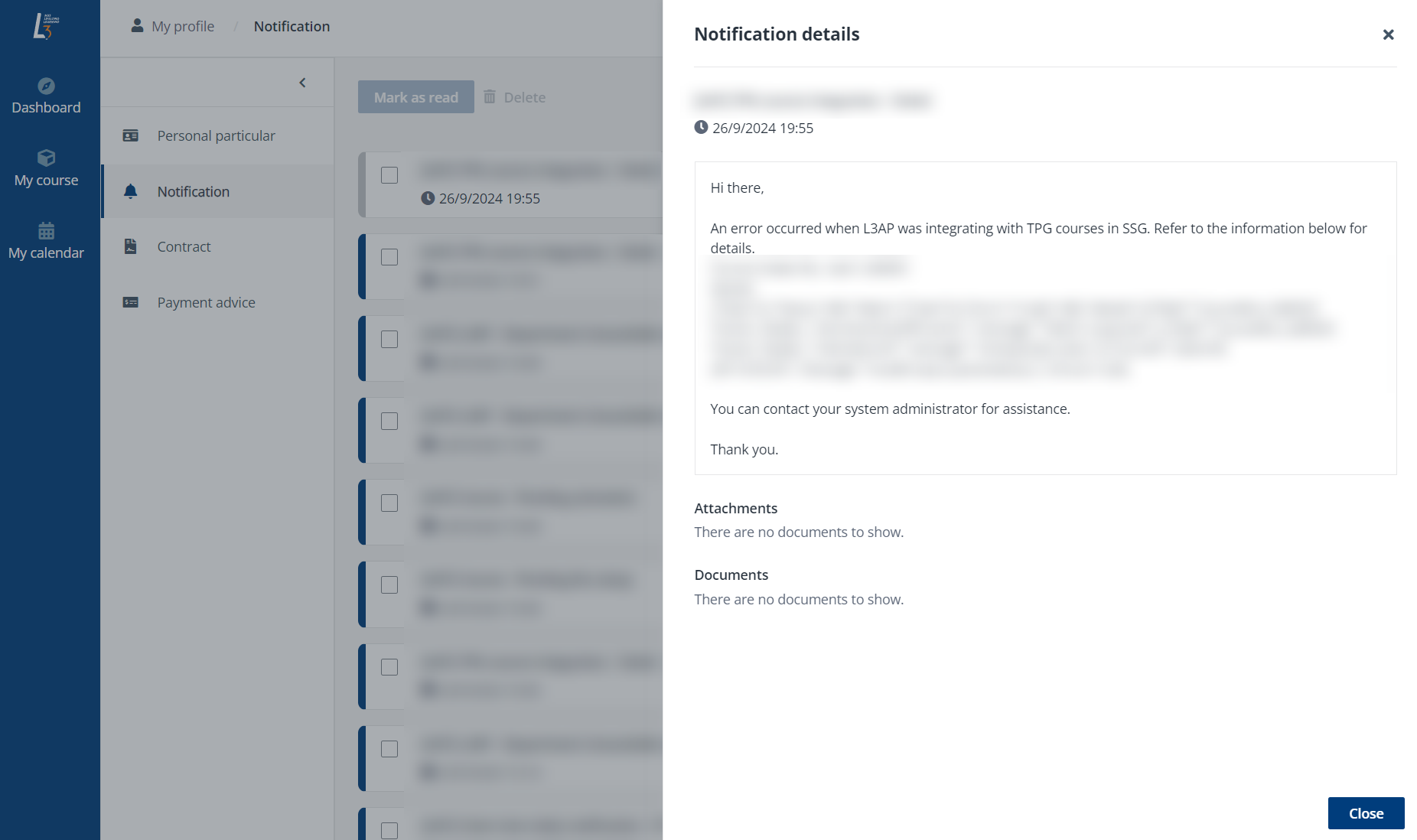
•Check the details of a notification – To check the details of a notification, click the notification tile. The details will be displayed for verification in a panel.
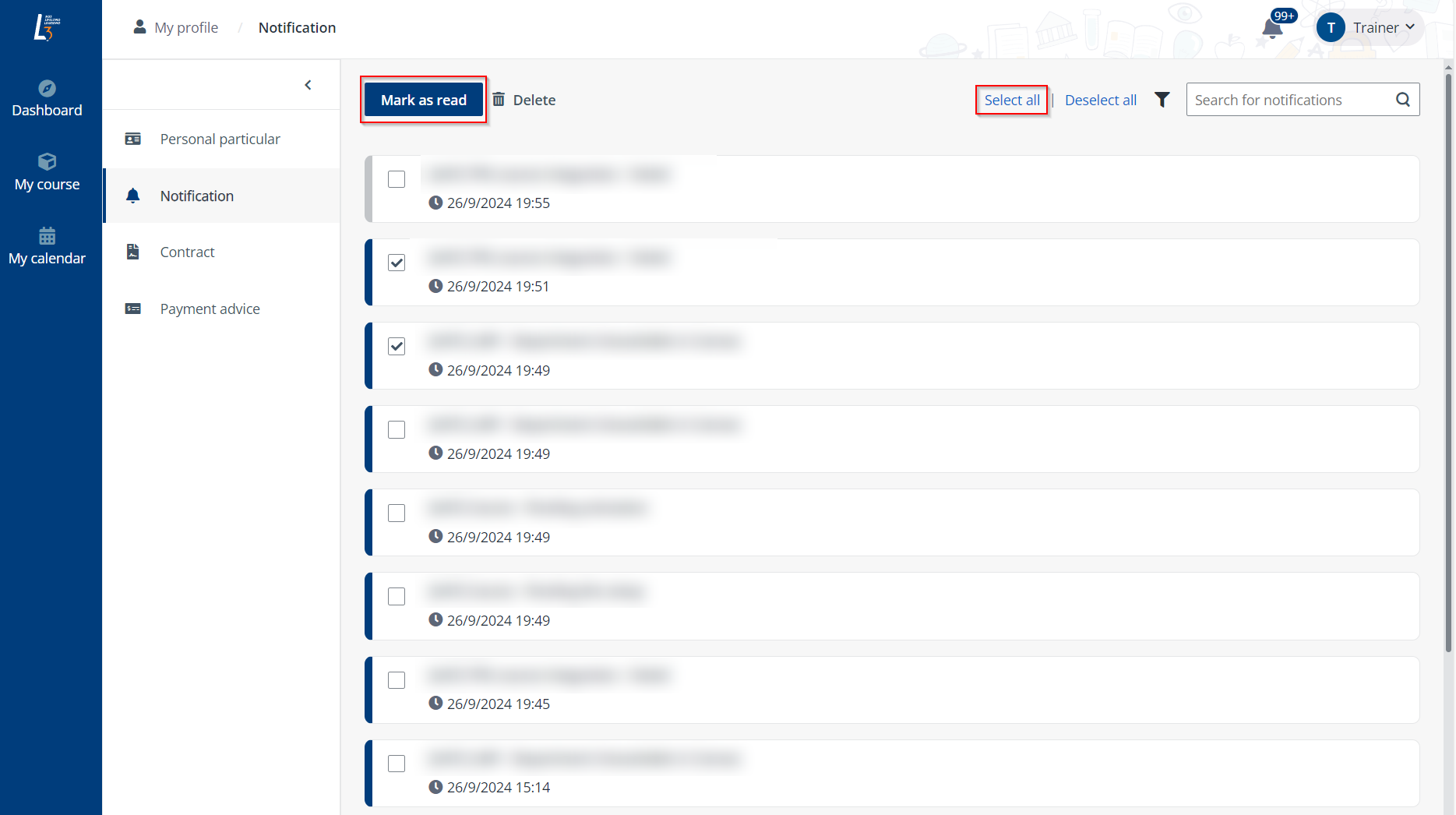
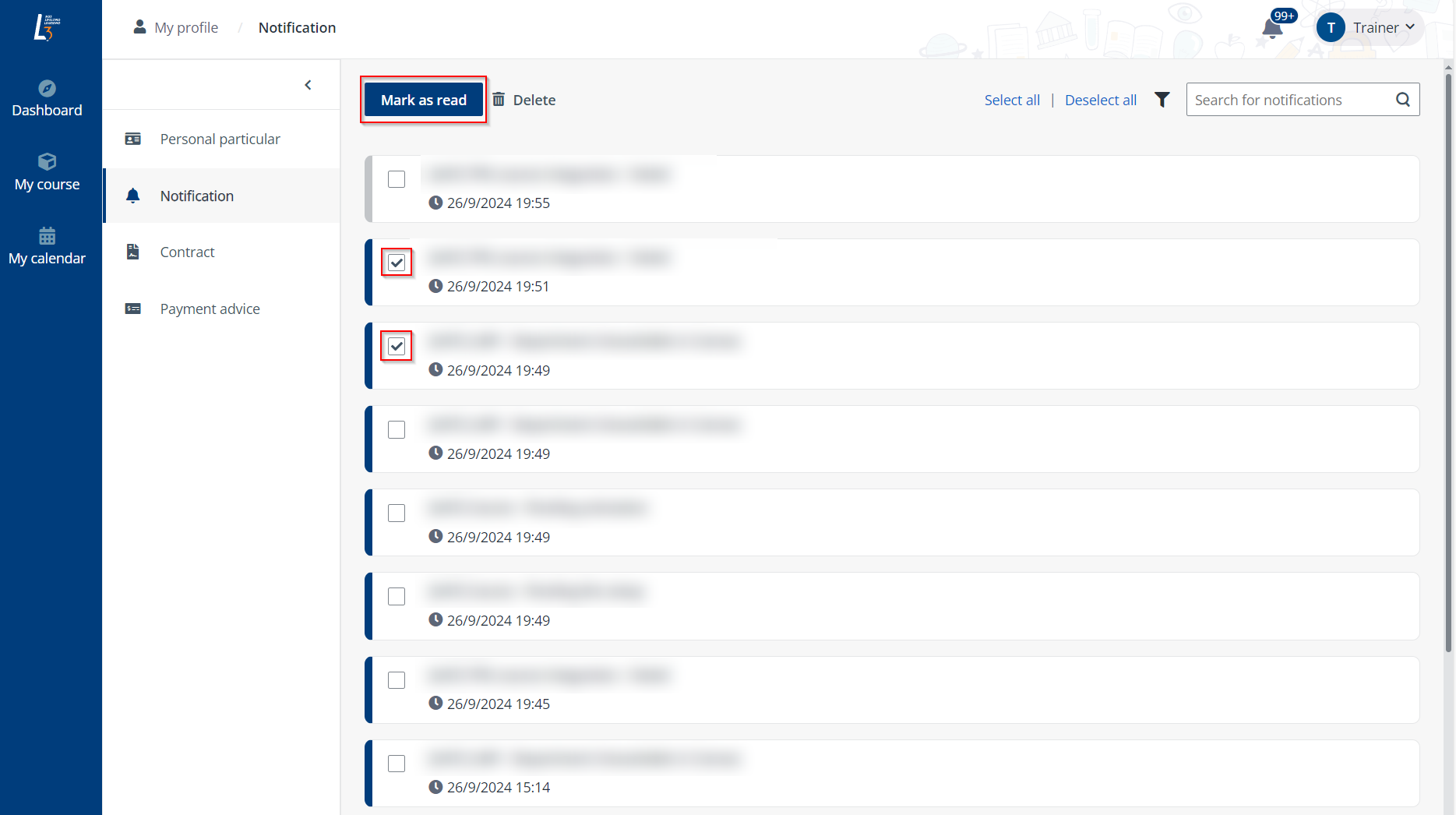
•Mark one or more notifications as read – To mark one or more notifications as read directly. Select the notifications and click Mark as read.
To mark all notifications as read, click Select all and then click Mark as read.