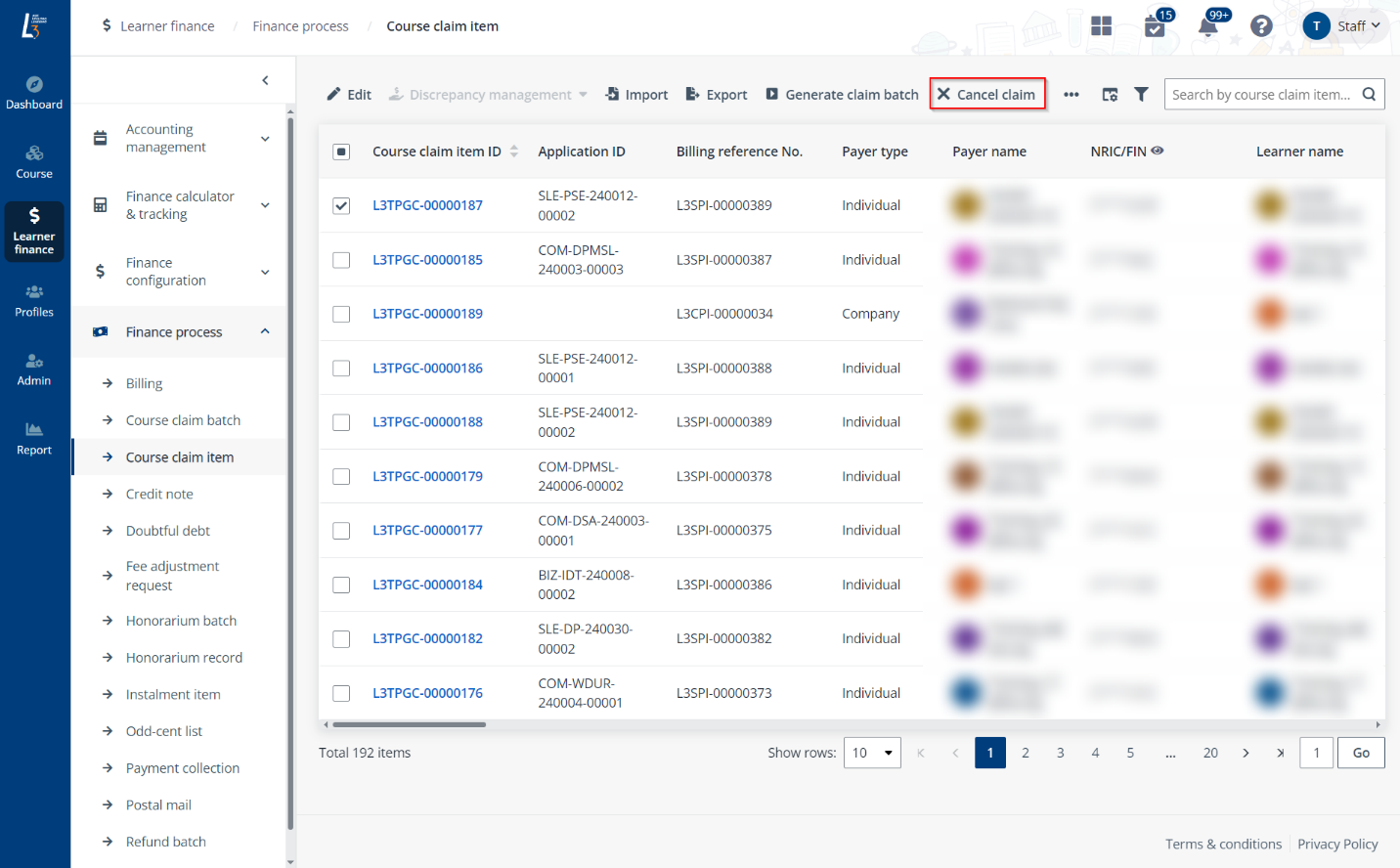
Apart from creating a payment collection on the Billing details page specifically for the billing after locating it, it can also be created in Finance process > Payment collection. This is the page where you can check and manage all payment collections in the system.
Video tutorial
To create a payment collection record, complete the following steps:
1. Click Create.
2. In the Create payment collection panel, complete the configurations.

When creating a payment collection for SFC payments, after entering the Claim ID, you can click Retrieve on the upper-right corner of the SFC information section to retrieve the SFC payment amount and status for this payment collection.

3. Click Save.
To download the PSEA form of a PSEA payment collection, complete the following steps:
1. Locate a payment collection with PSEA payment mode. You can find the PSEA payment collection by using the Payment mode filter.

2. Select the payment collection and click Download form above the table.

Or you can click the payment collection ID to go to the Payment collection details panel, and then click Download form on the bottom.
3. In the Download the form window, click the Download button when your file is ready. The ZIP file will be downloaded to your local device.
To download a receipt of a payment collection with the Paid payment mode status, complete the following steps:
1. Find the paid payment collection. You can use the Payment mode status filter above the table.
2. Select the payment collection and click Download receipt above the table to directly download the PDF file to your local device.
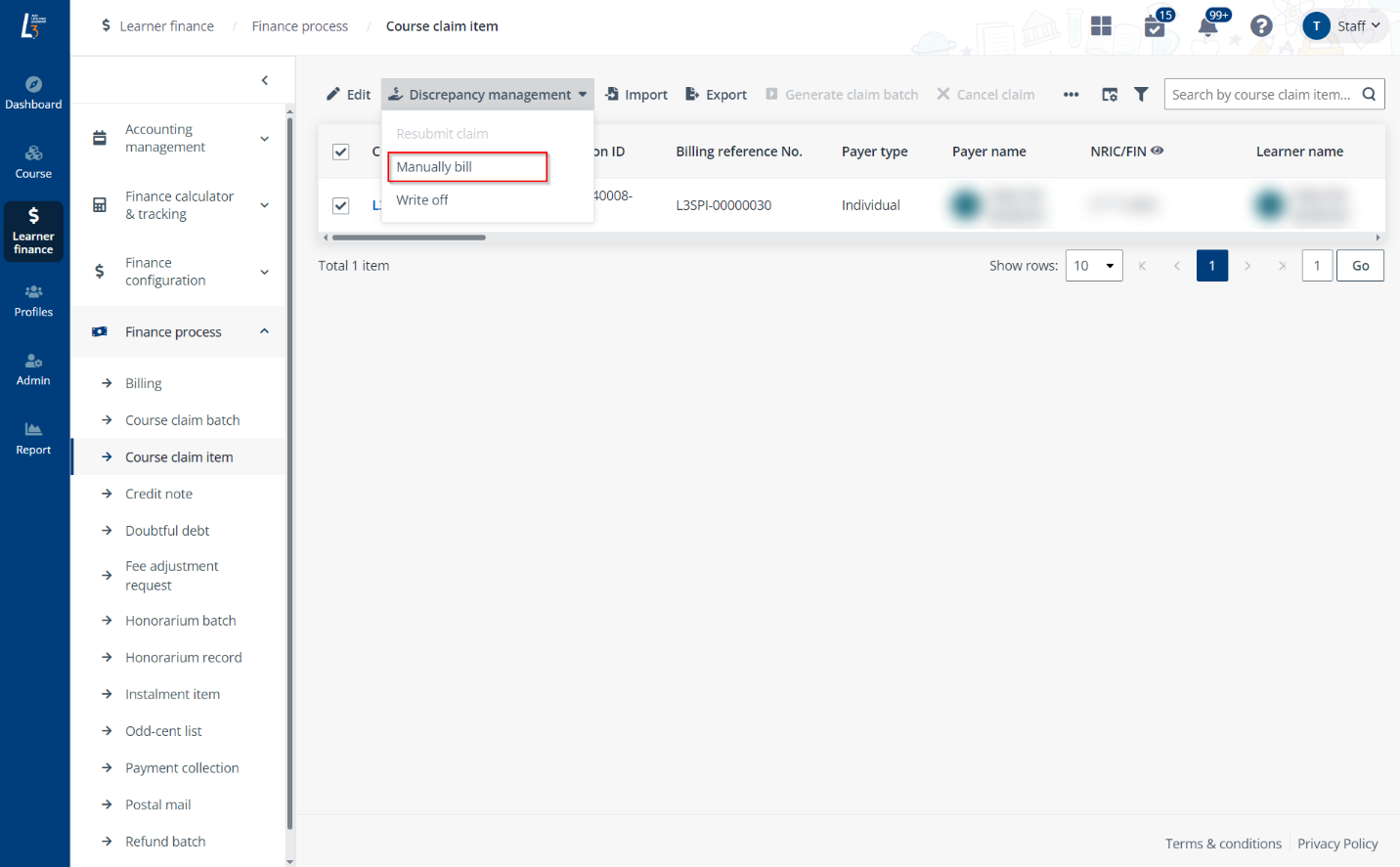
Or you can click the payment collection ID to go to the Payment collection details panel, and then click View receipt on the bottom.
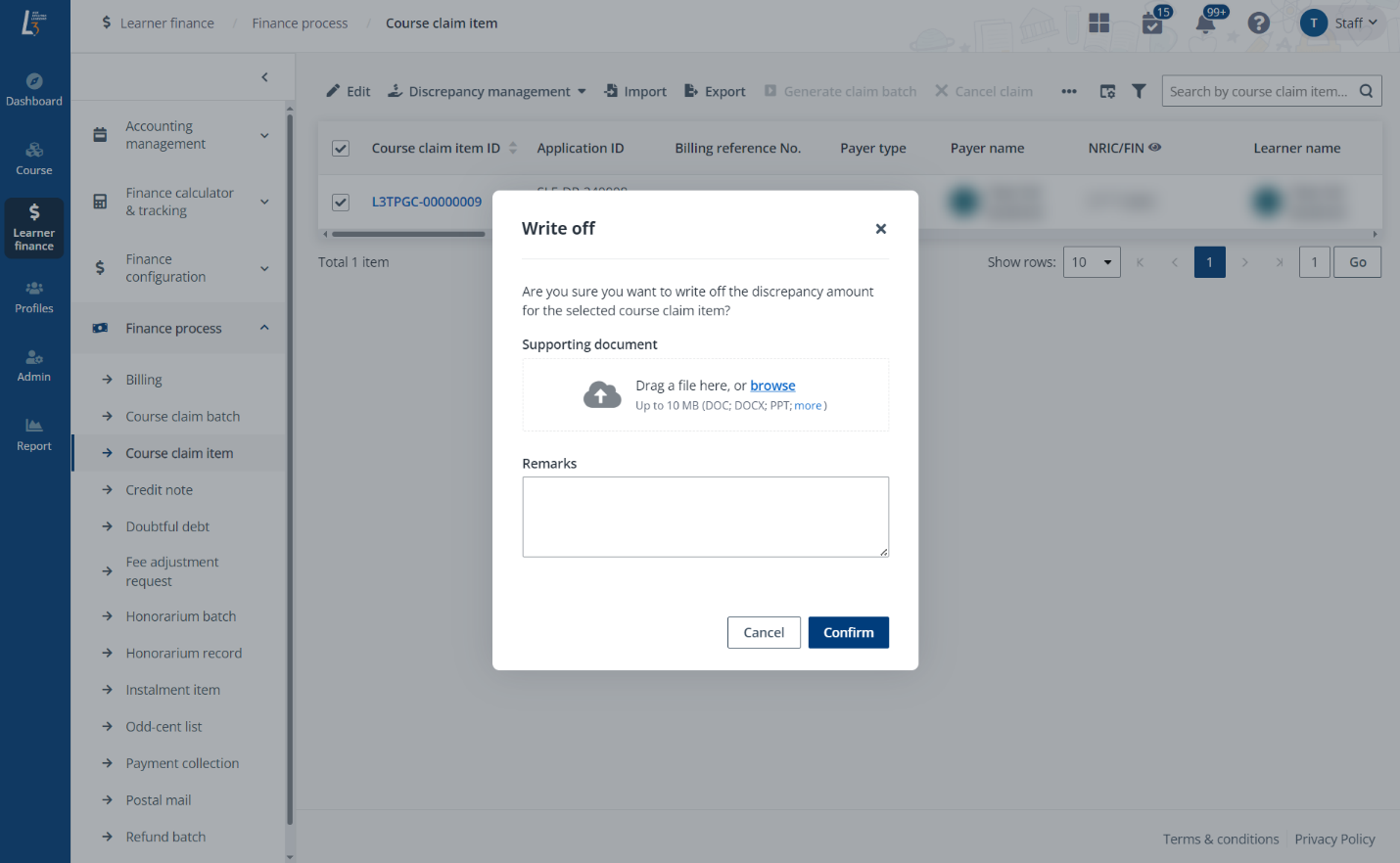
3. In the Receipt details window, click Download receipt to download the PDF file to your local device.