My profile allows learners to view and manage the following information:
•Personal particular
•My letter – Download system-generated letters
•Notification
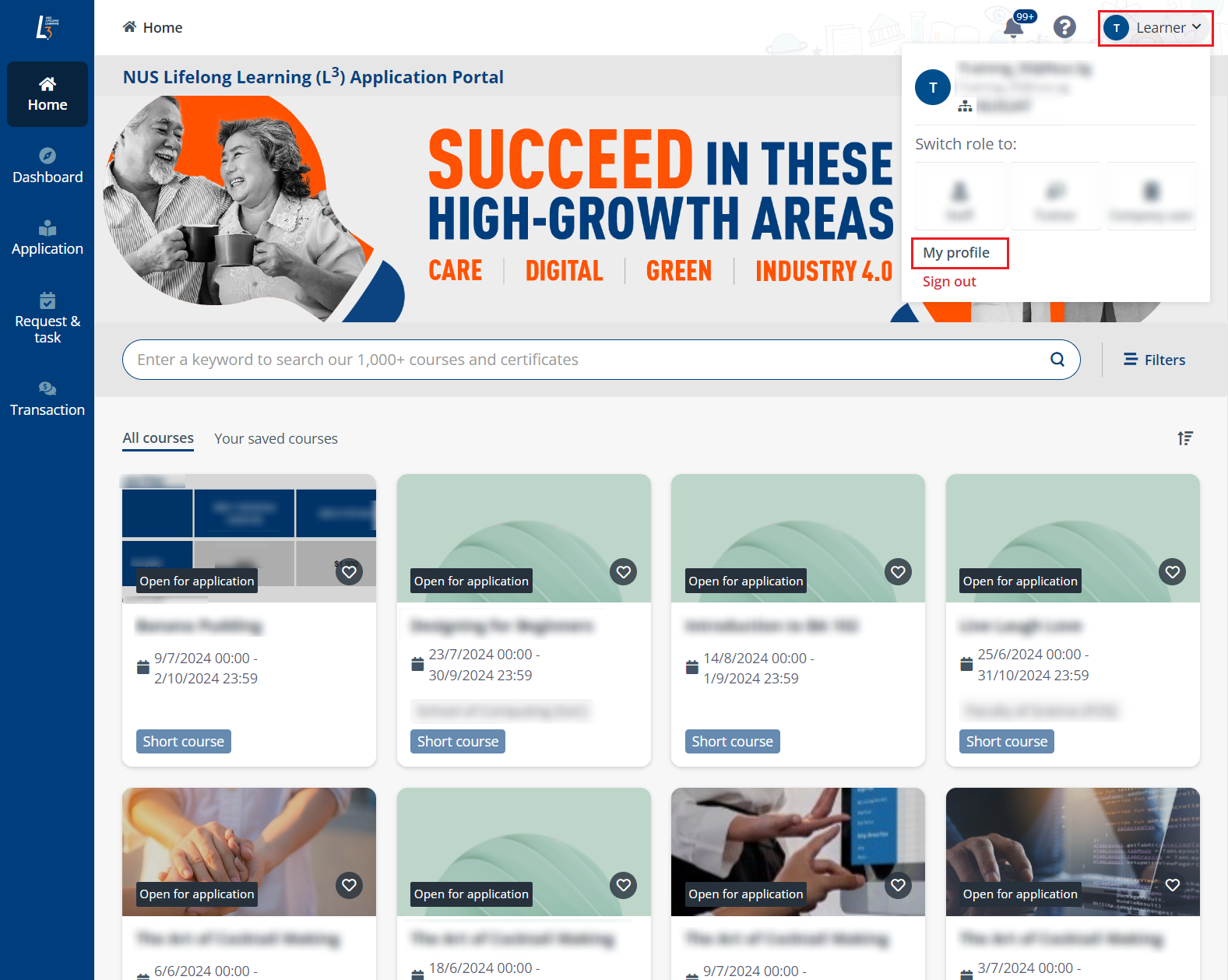
To configure your profile, click your photo in the upper-right corner, and then click My profile.
In My profile, refer to the following sections to manage your profile.
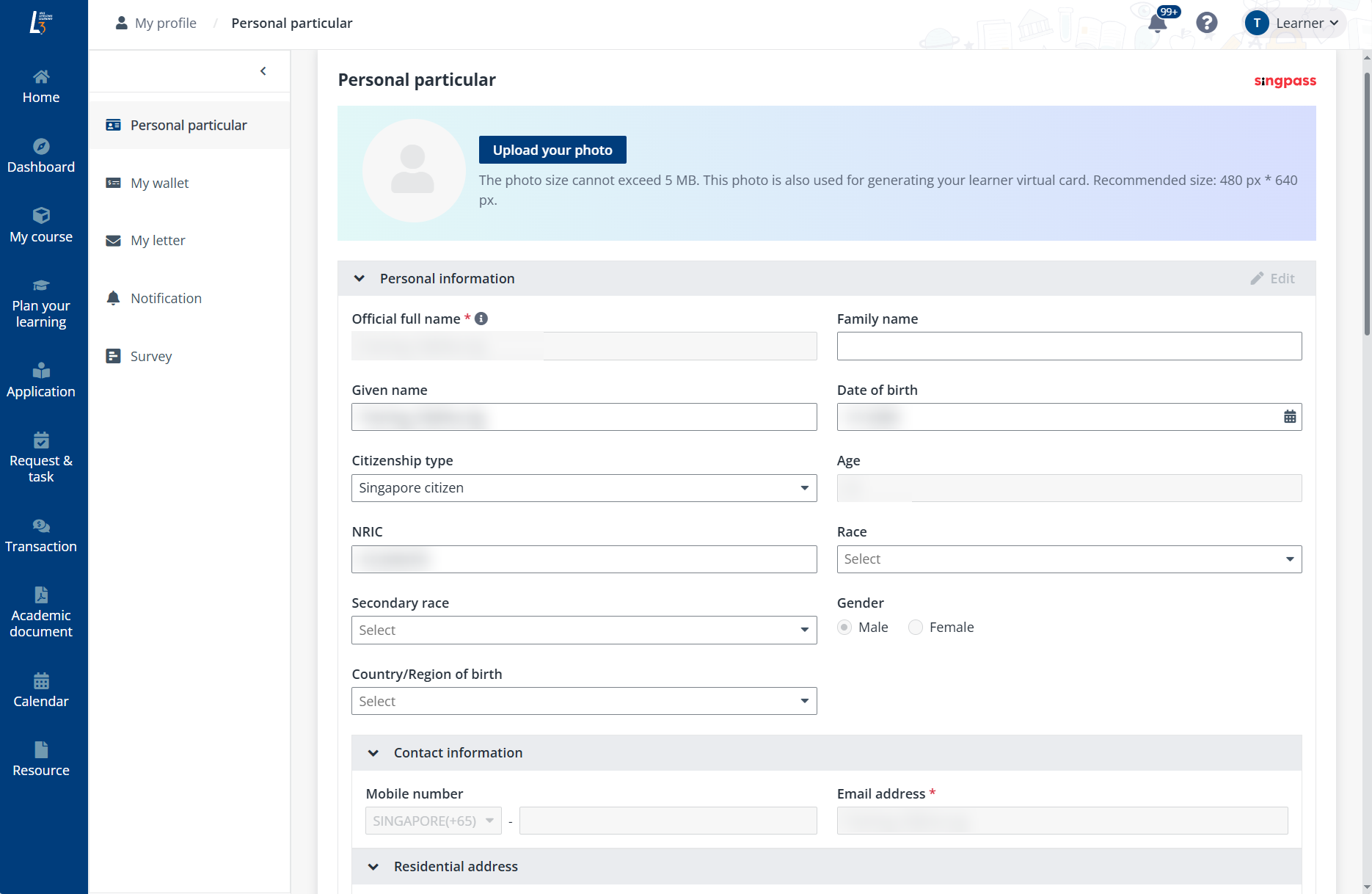
To update your personal information, click Personal particular in the left navigation of your profile. You can update the following information:
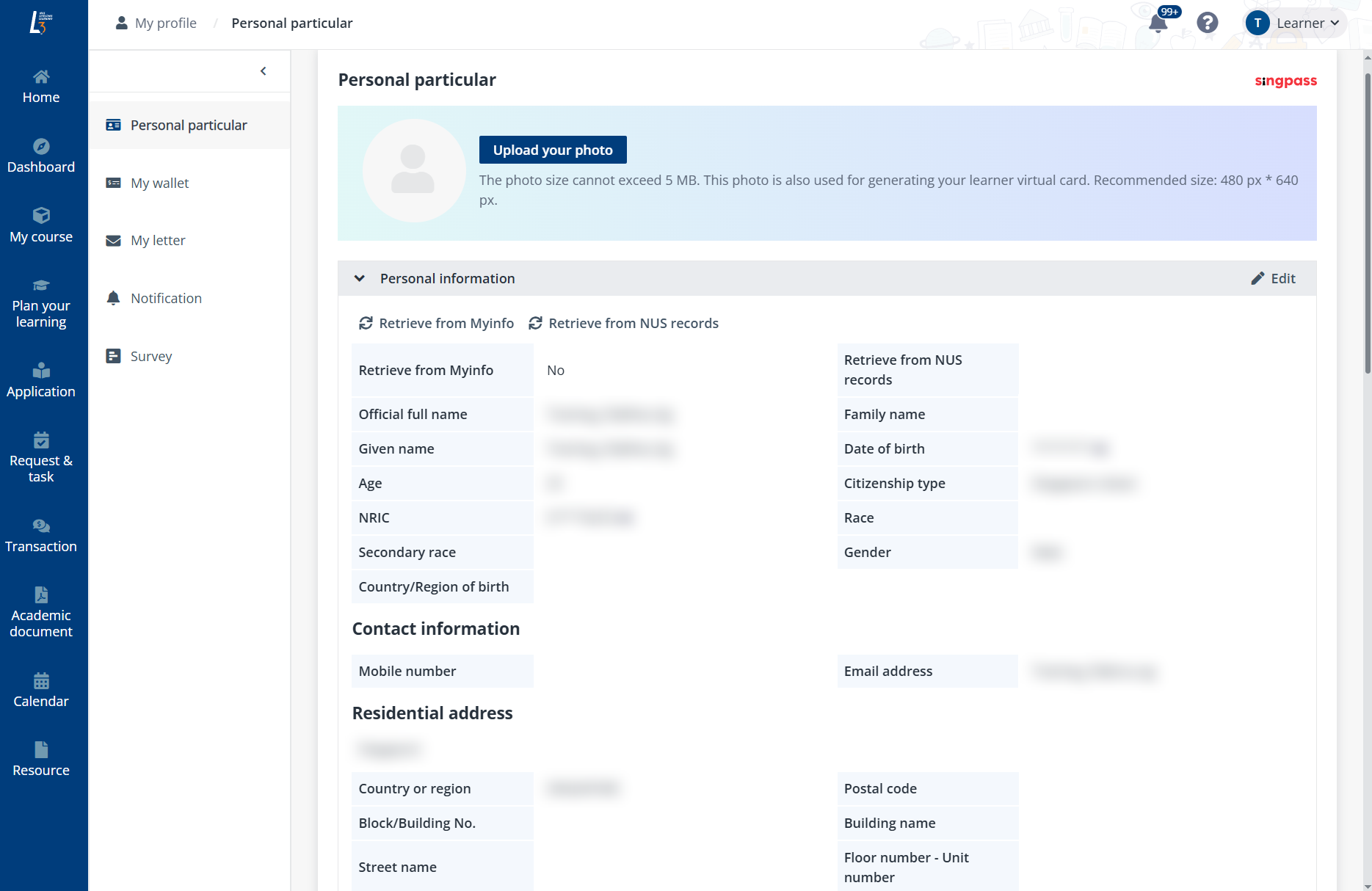
•Click Upload your photo and upload a photo from your local device.
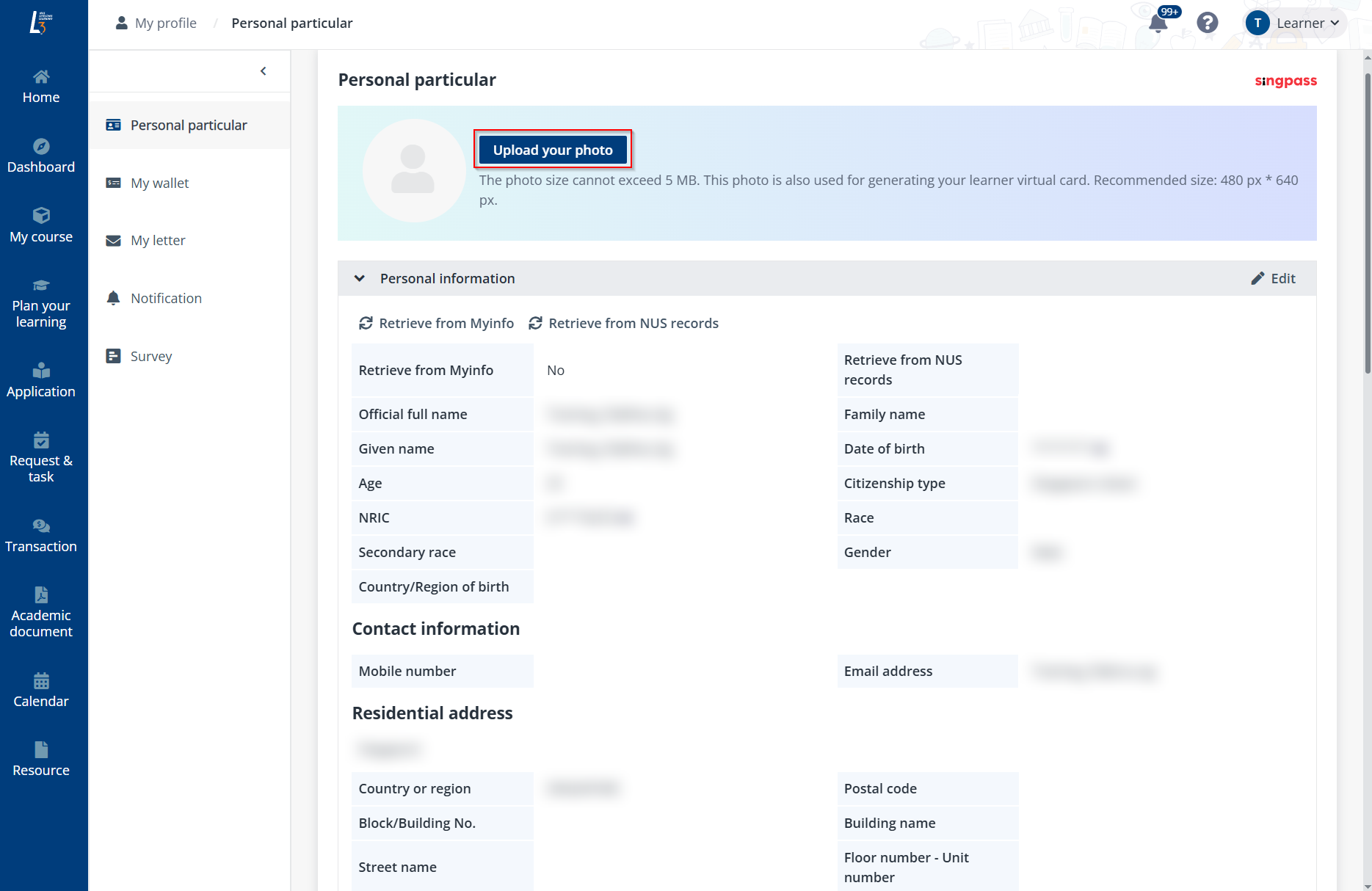
•In the Personal information section, the personal information is displayed. To update any information, click Edit to edit the information based on your requirements.
Then, click Save when you finish your edits.
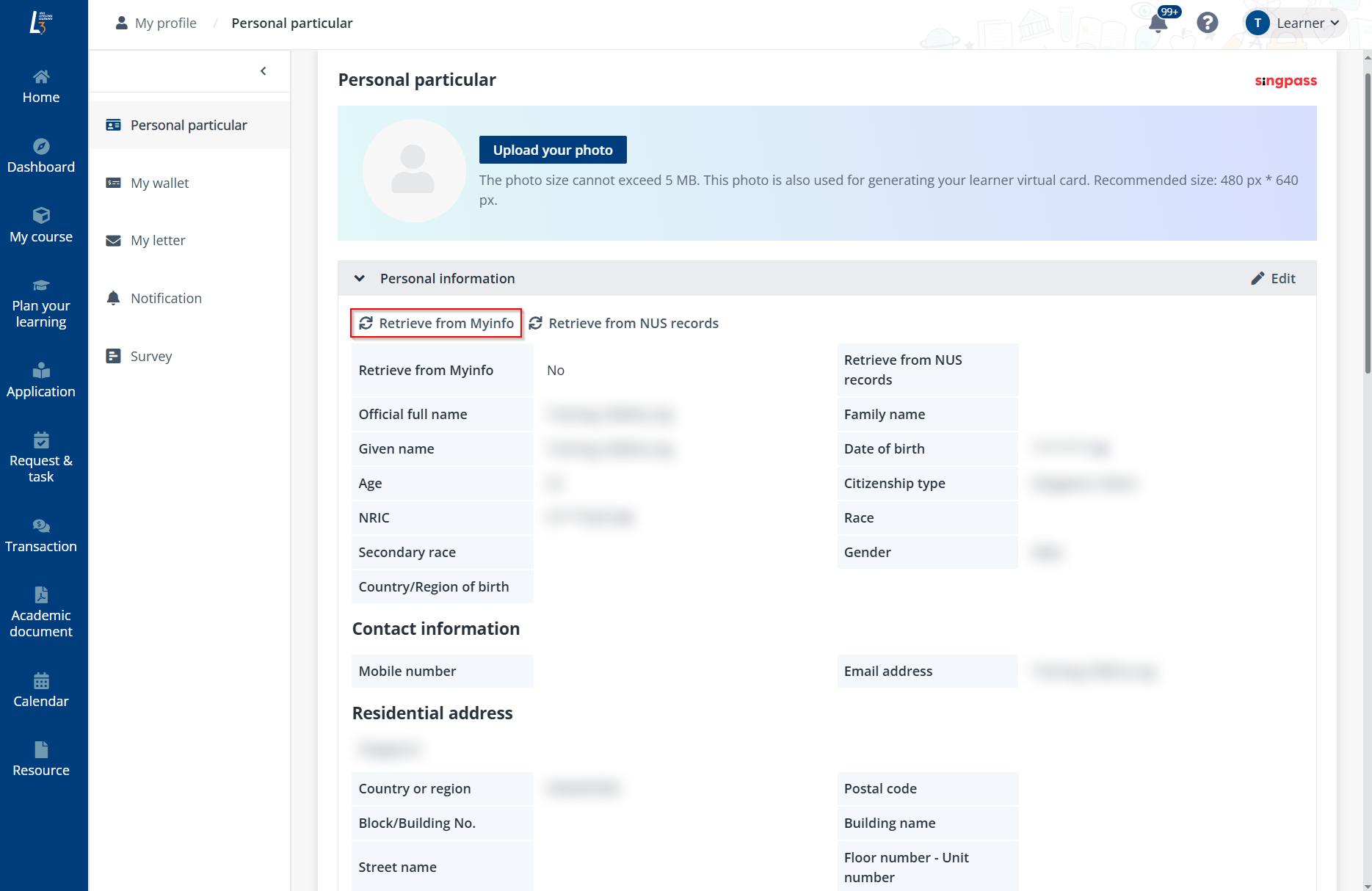
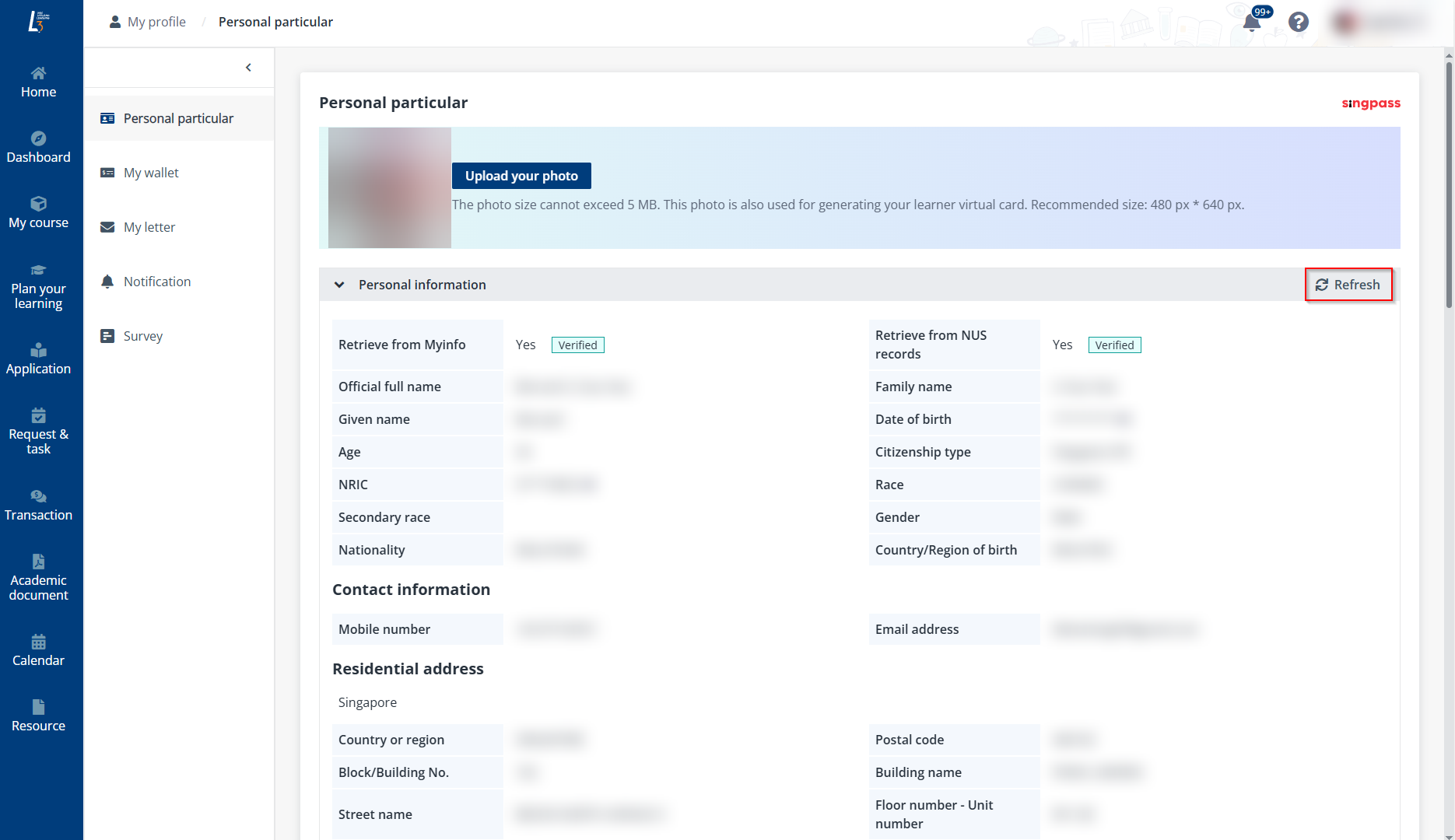
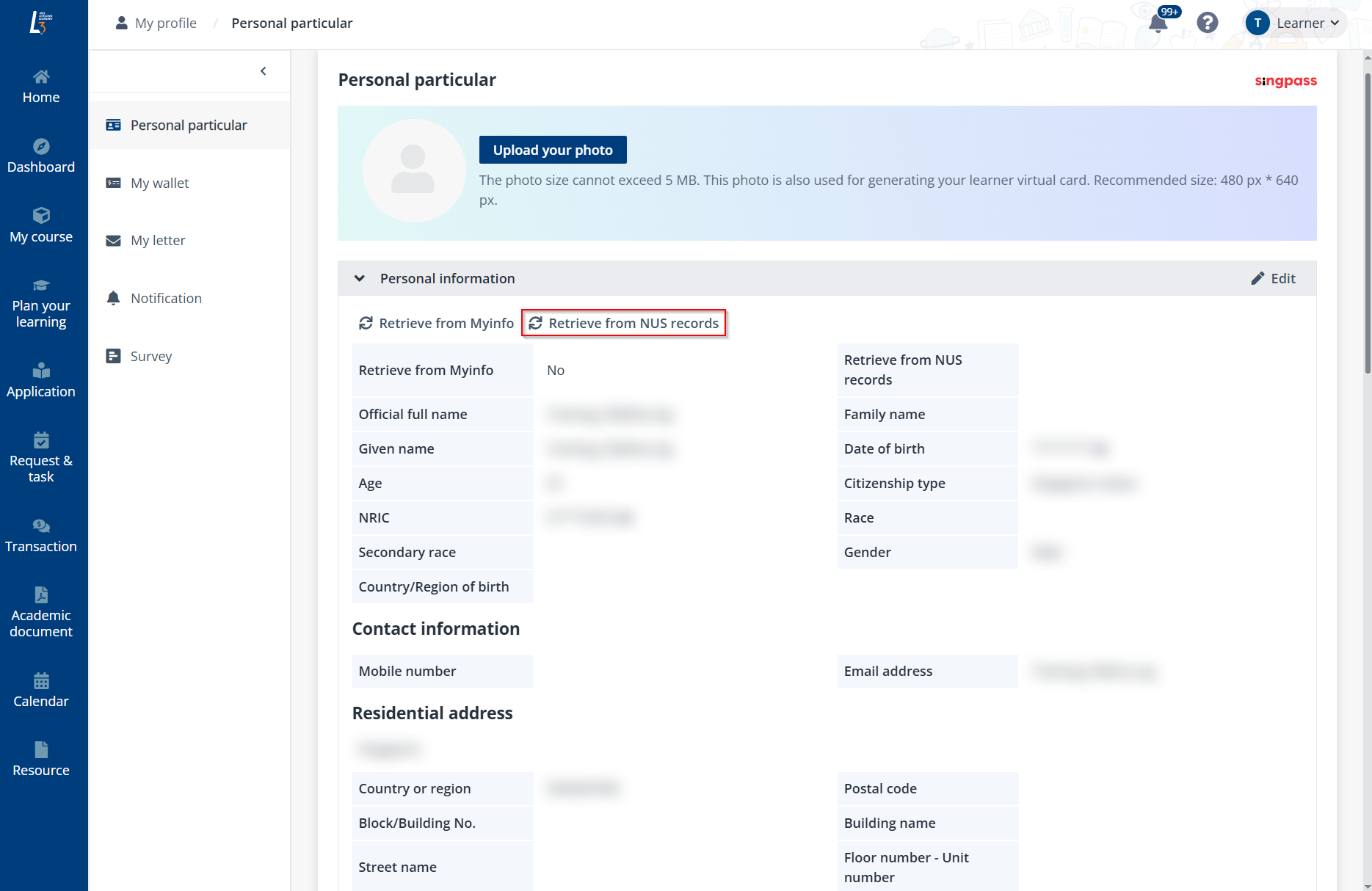
You can also click Retrieve from Myinfo to retrieve information from Myinfo.
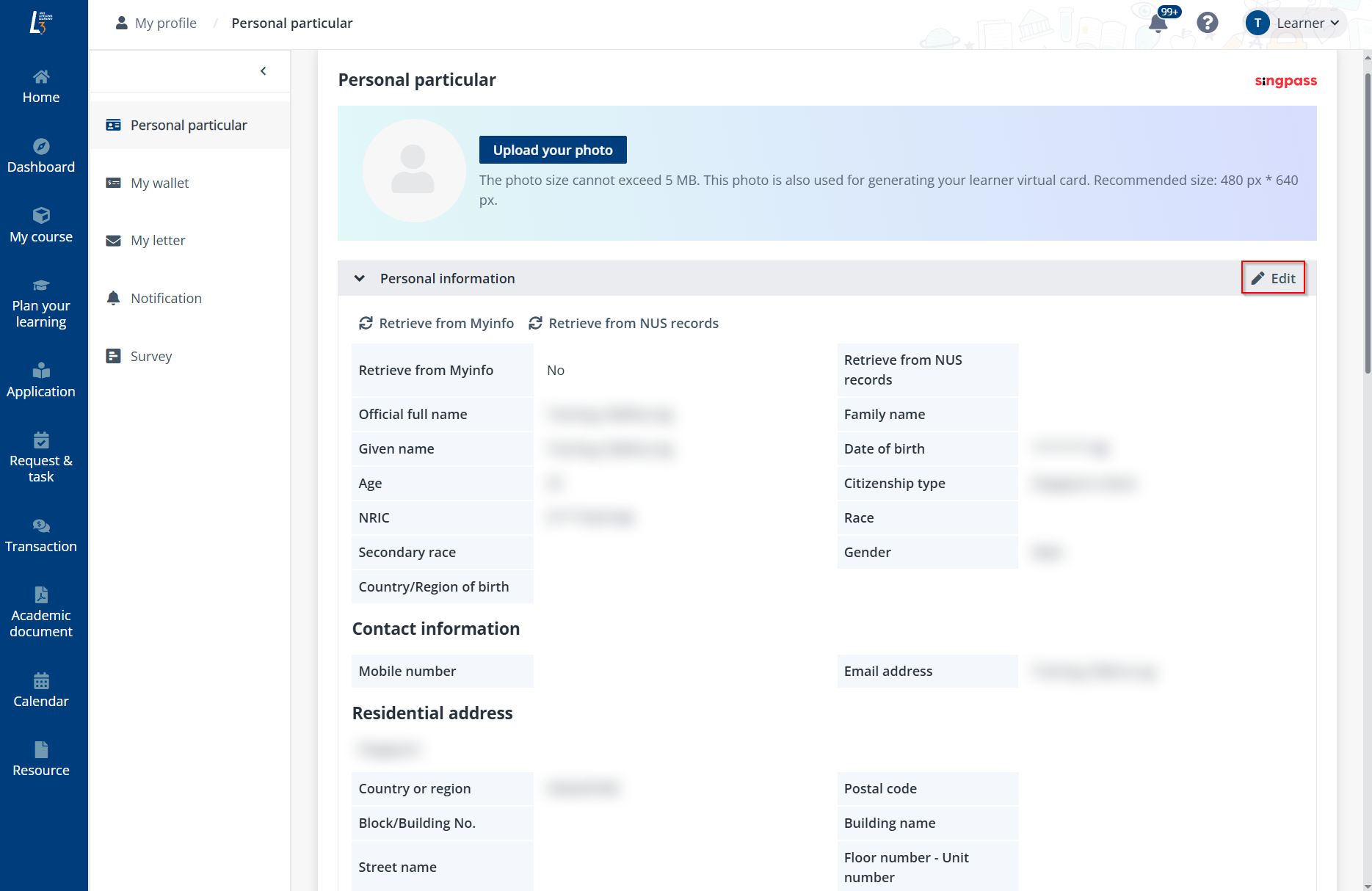
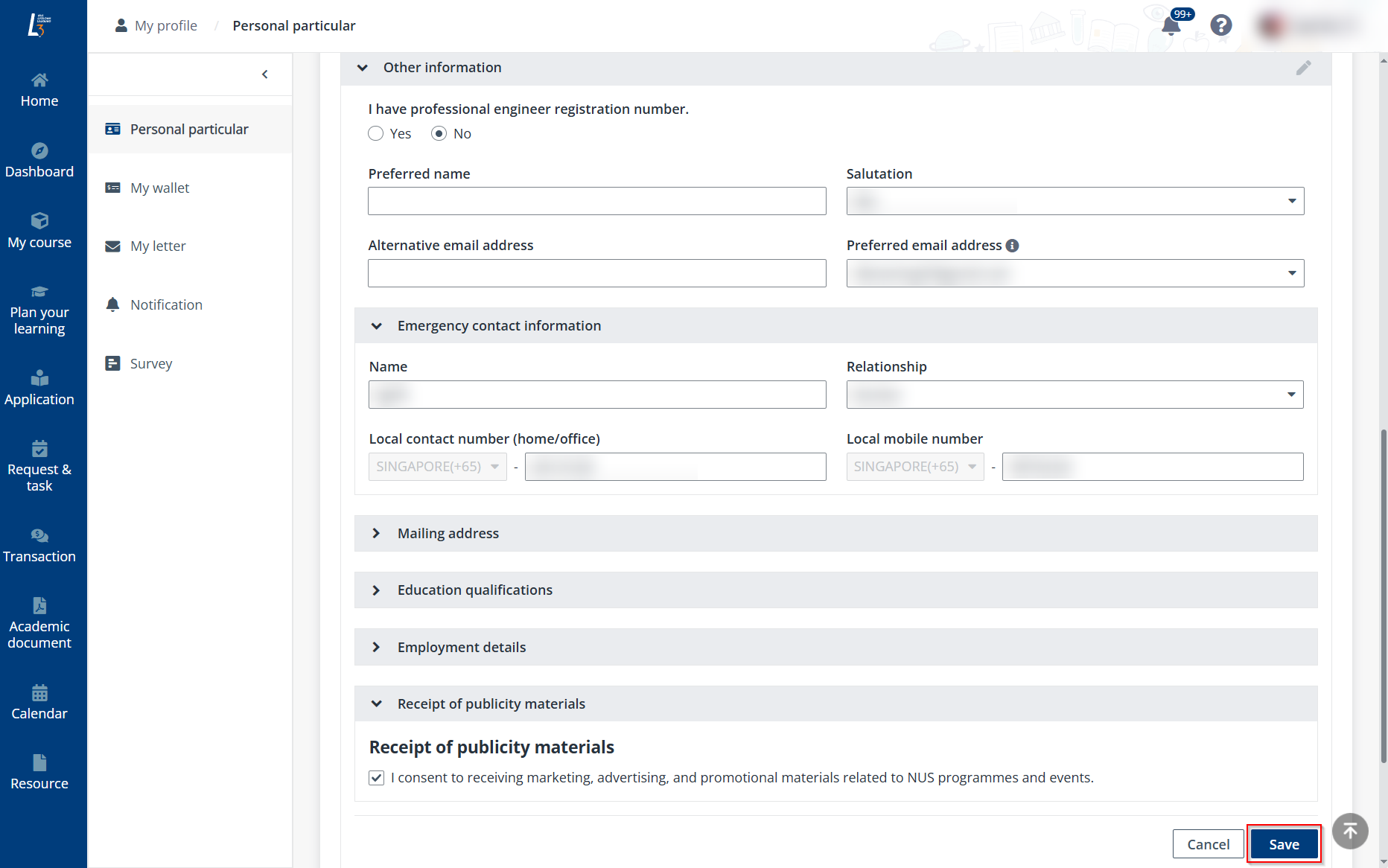
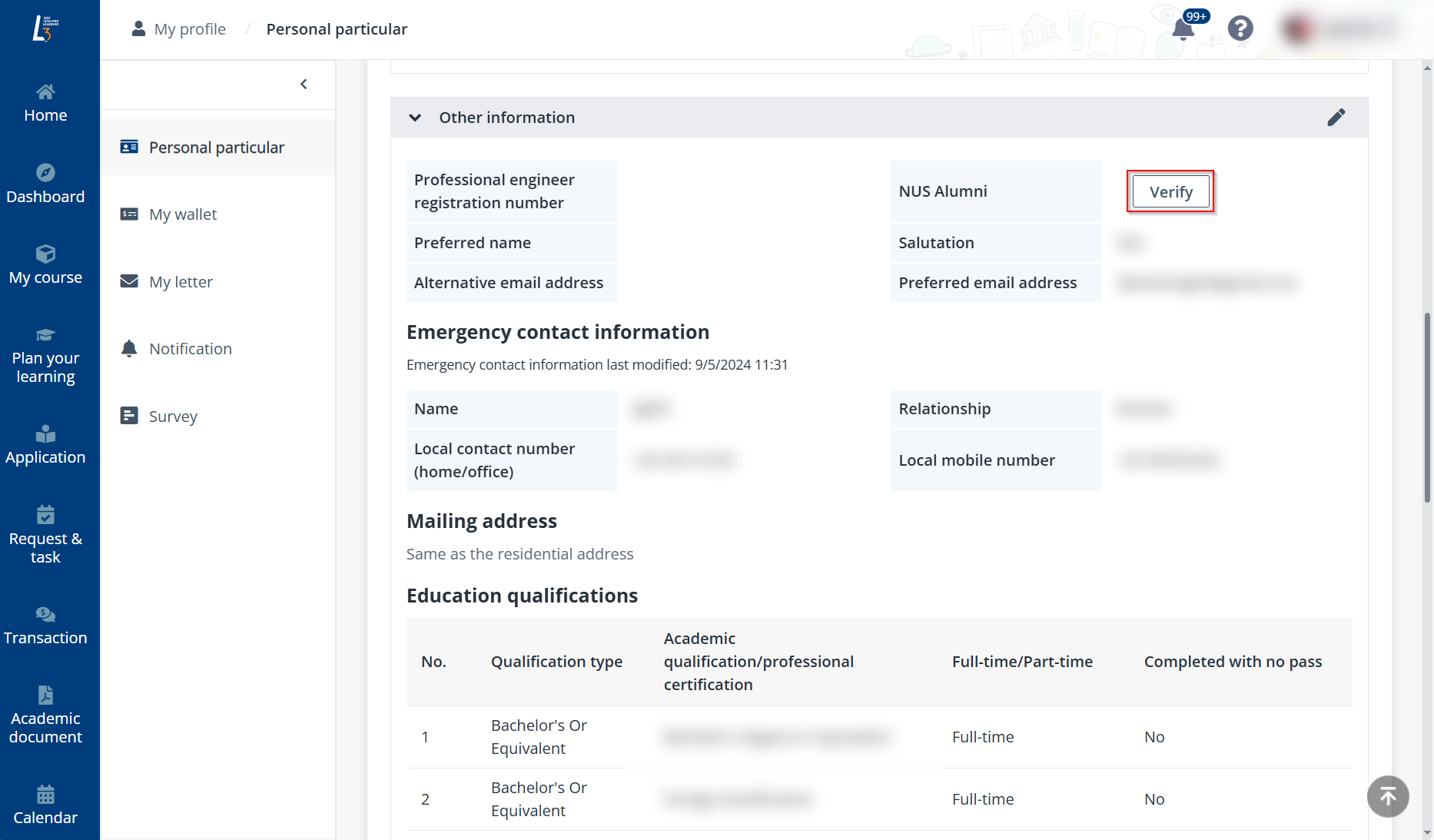
•To update other information including contact information, education qualifications, and employment details, click Edit. Then, you can edit the information based on your requirements.
Click Save when you finish.
Click My letter in the left navigation of your profile to view and download all system-generated letters including receipts and tax invoices. To download a letter, locate the letter and click the letter name. A PDF file will be downloaded to your local device.
To view and manage system notifications, click Notification in the left navigation of your profile.
*Note: You can also access the Notification page by clicking the Notification button in the upper-right corner of the page.
On the Notification page, the following actions are available:
•View notification details – Locate a notification and click it to view the details in the Notification details window. If the notification has an attachment or document, you can click the attachment or document name to download it to your local device.

•Mark unread notifications as read – Select one or more unread notifications, and then click Mark as read.
•Delete notifications – Select one or more notifications, and then click Delete.
Q: How do I update my personal information via Singpass?
A: You can click the Retrieve from Myinfo button under My profile.