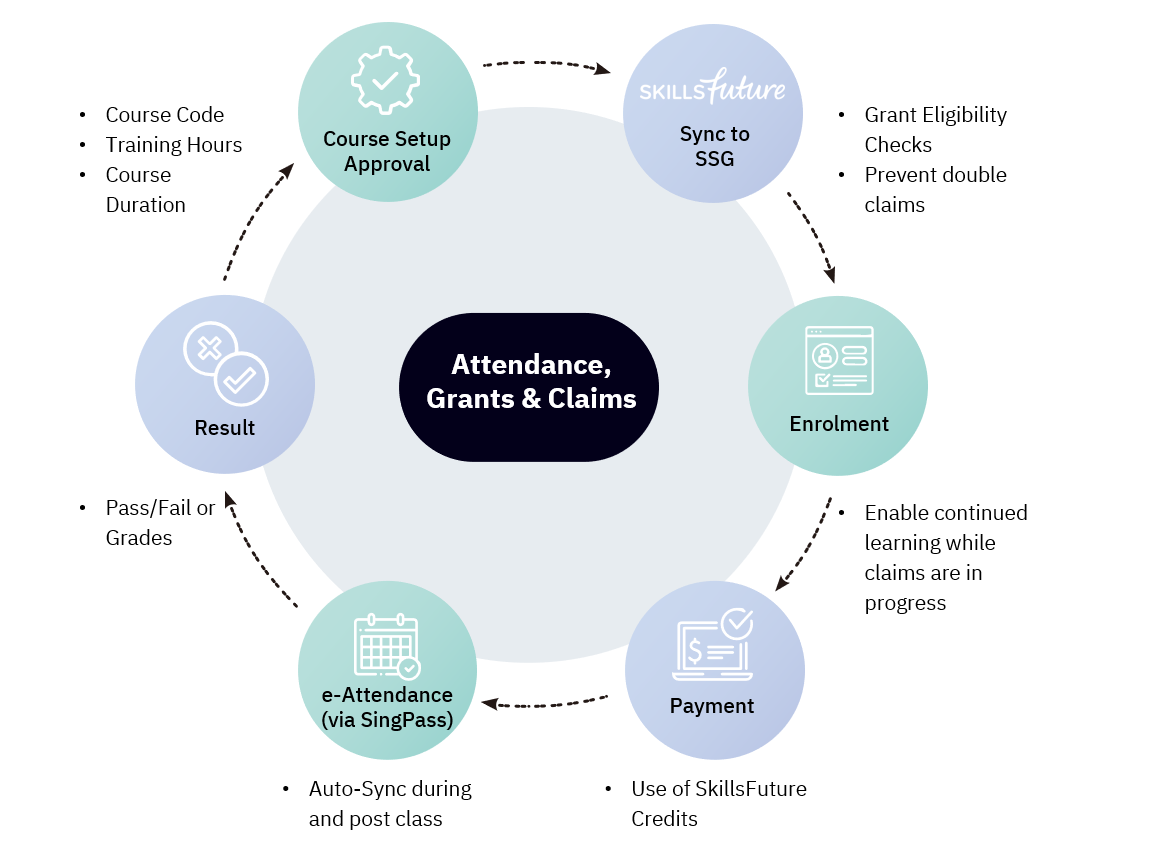
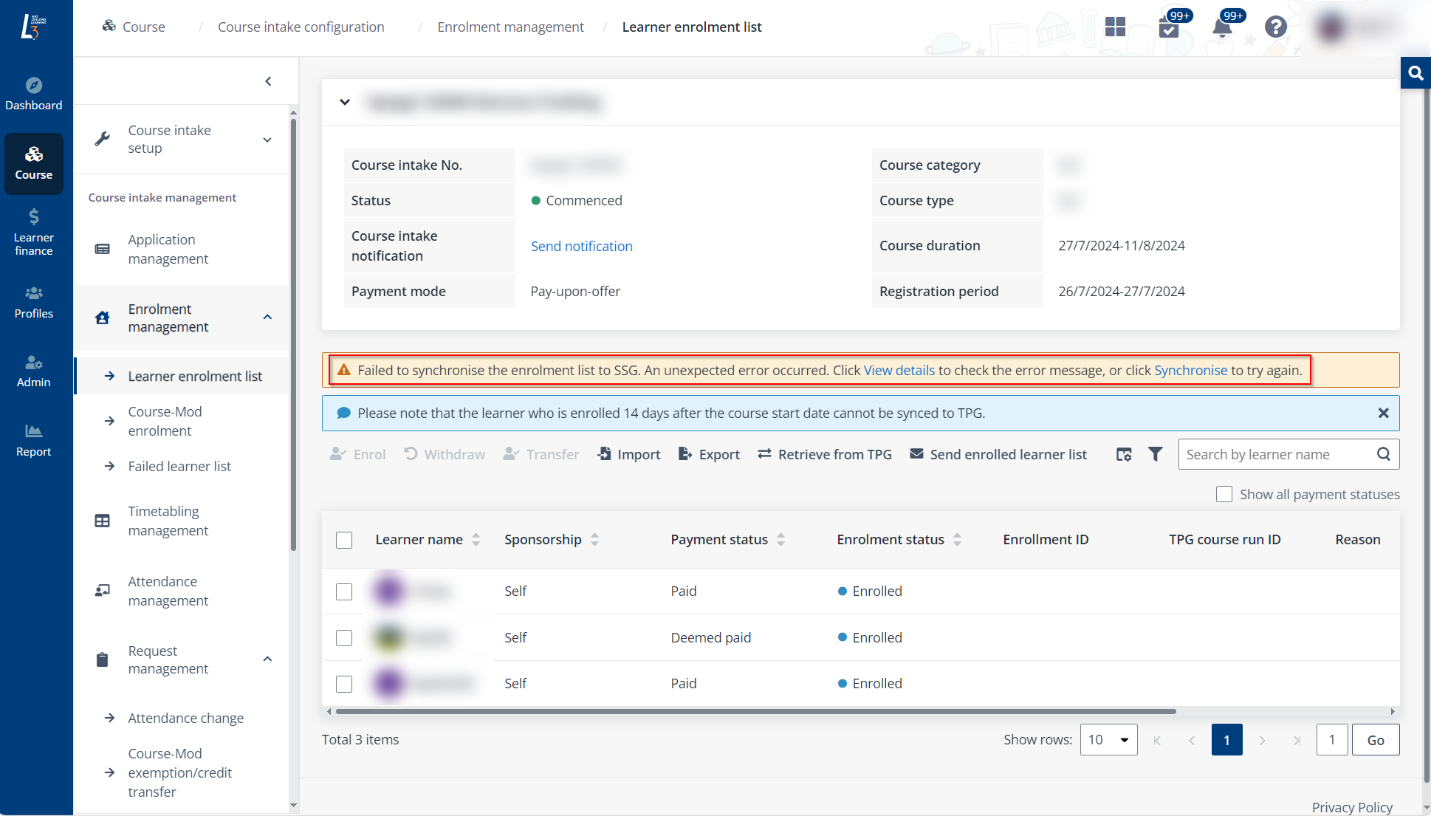
To add learners to customised programme intakes, course coordinator needs to import the learner list directly instead of enrolling learners from applications.
Click the course intake No. of a customised programme intake and then click Learner enrolment list in the left pane to go to the enrolment management page and refer to the following instructions.
To import learners to the enrolment list, complete the following steps:
1. On the Learner enrolment list page, click Import.
2. In the Import window, click Download the template file to download the import template.
*Note: To ensure that a certificate can be generated and issued to the learner, the email address of the learner must be provided.
3. Fill up learner information in the downloaded file. Then, drag or browse to upload the completed file and click OK to import the learners.
For learner identity validation, course coordinator can upload one supporting document for each learner at a time. The supporting document can be uploaded anytime, even after the programme has started.
To upload supporting document for a learner, complete the following steps:
4. On the Learner enrolment list page, select a learner and click Upload supporting document.
5. In the Upload supporting document window, drag or browse to upload the file.
*Note: Only one supporting document can be uploaded for a learner.
6. Click OK.
When the first certificate of the intake has not been issued or has been voided, course coordinator can update information of the enrolled learners by following steps below:
7. On the Learner enrolment list page, select a learner and click Edit.
8. In the Edit panel, the following information can be modified:
•Official full name
•Givern name
•Family name
*Note: To ensure that a certificate can be generated and issued to the learner, the email address of the learner must be provided.
9. After the modifications are completed, click Save.
Learners can be deleted from the enrolment list before their certificates are issued. To delete learners from the intake enrolment list, complete the following steps:
10. On the Learner enrolment list page, select the learners to delete.
11. Click Delete.
12. In the Delete window, click Delete to confirm the deletion.