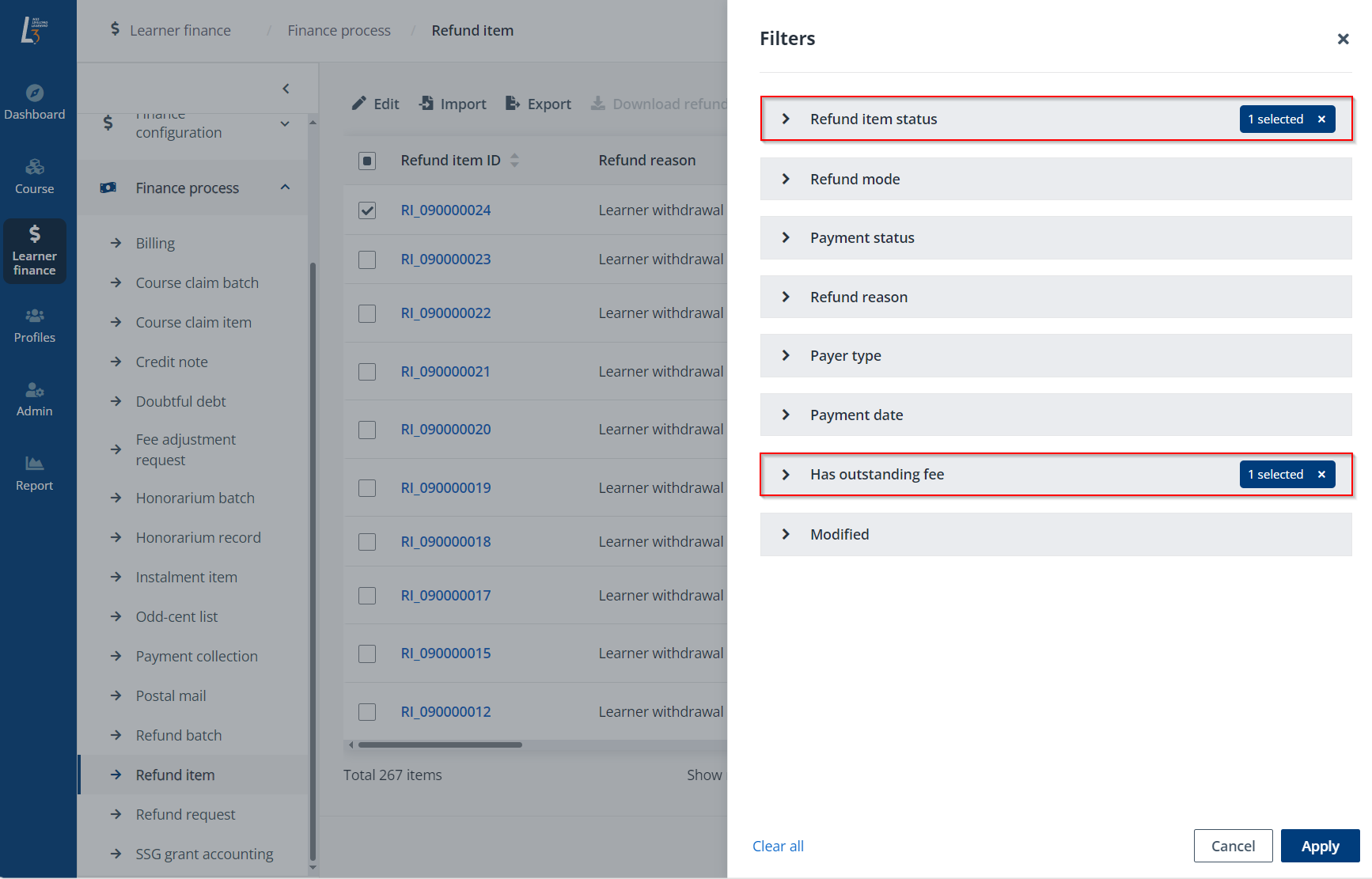
In Learner finance > Finance process > Doubtful debt, all billings added to the doubtful debts are listed. On this page, admin can review, edit, or recover the doubtful debts added based on the requirements.
Refer to the following sections for the doubtful debt management. For the details on adding billings to this list, refer to Billings.
Video tutorial
For doubtful debt records that are in the Pending review status, you can review the record and perform certain actions.
To review a doubtful debt record, complete the following steps on the Doubtful debt page:
1. Select a doubtful debt record. You can find doubtful debt records with the Doubtful debt status filter.
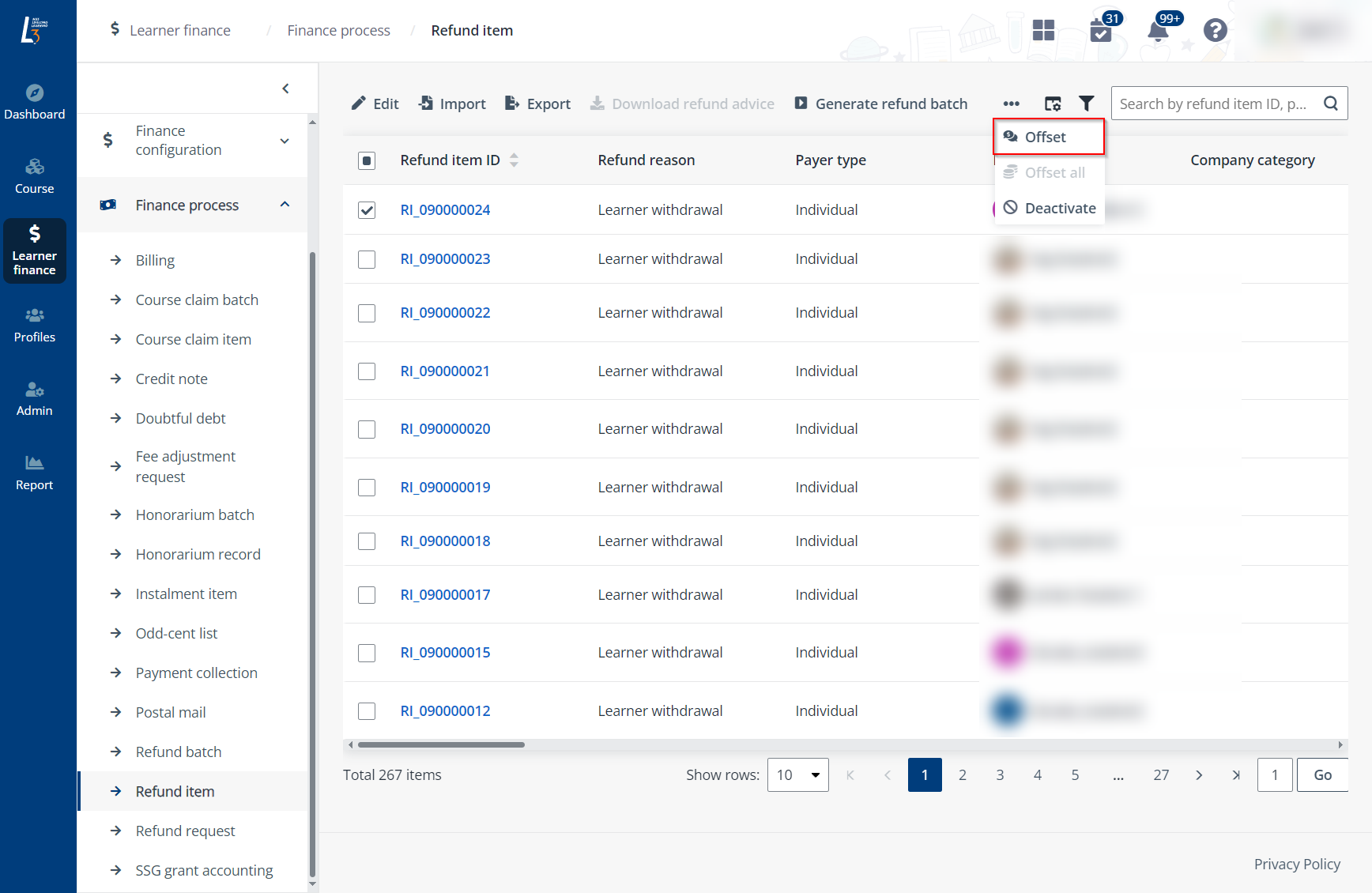
2. Click Edit.
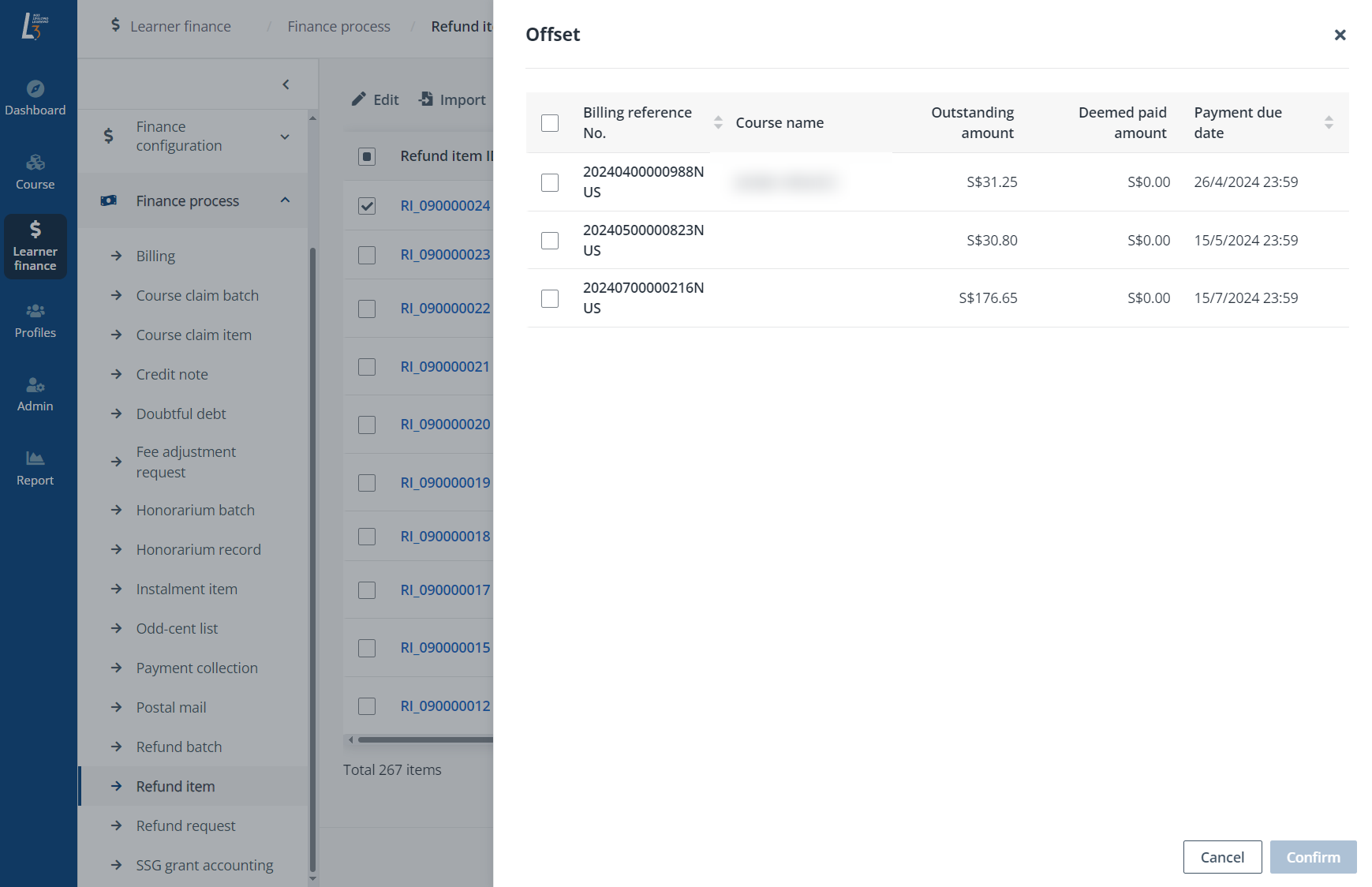
3. In the Edit doubtful debts panel, update whether a letter of demand has been served for the doubtful debt, upload supporting documents, enter remarks, or select the action to take upon this doubtful debt.

4. Click Save.
After the payment for the billing in the doubtful debt record is complete, you can recover the doubtful debts that are pending review or written off as bad debts.
To recover a doubtful debt, complete the following steps:
1. Select the doubtful debt record. You can find doubtful debt records with the Doubtful debt status filter above the table.

2. Click Recover.

3. In the Recover doubtful debt panel, fill in the payment date, payment mode, and required payment information.

4. Click Save.